M
AVTMMTO210 Rev 7 Sept 2013
20
STORED DATA FUNCTIONS
The MTO can save up to 2000 test results to memory for archival purposes. If
data is stored while testing, the unit can step thru the memory after testing in a
review process.
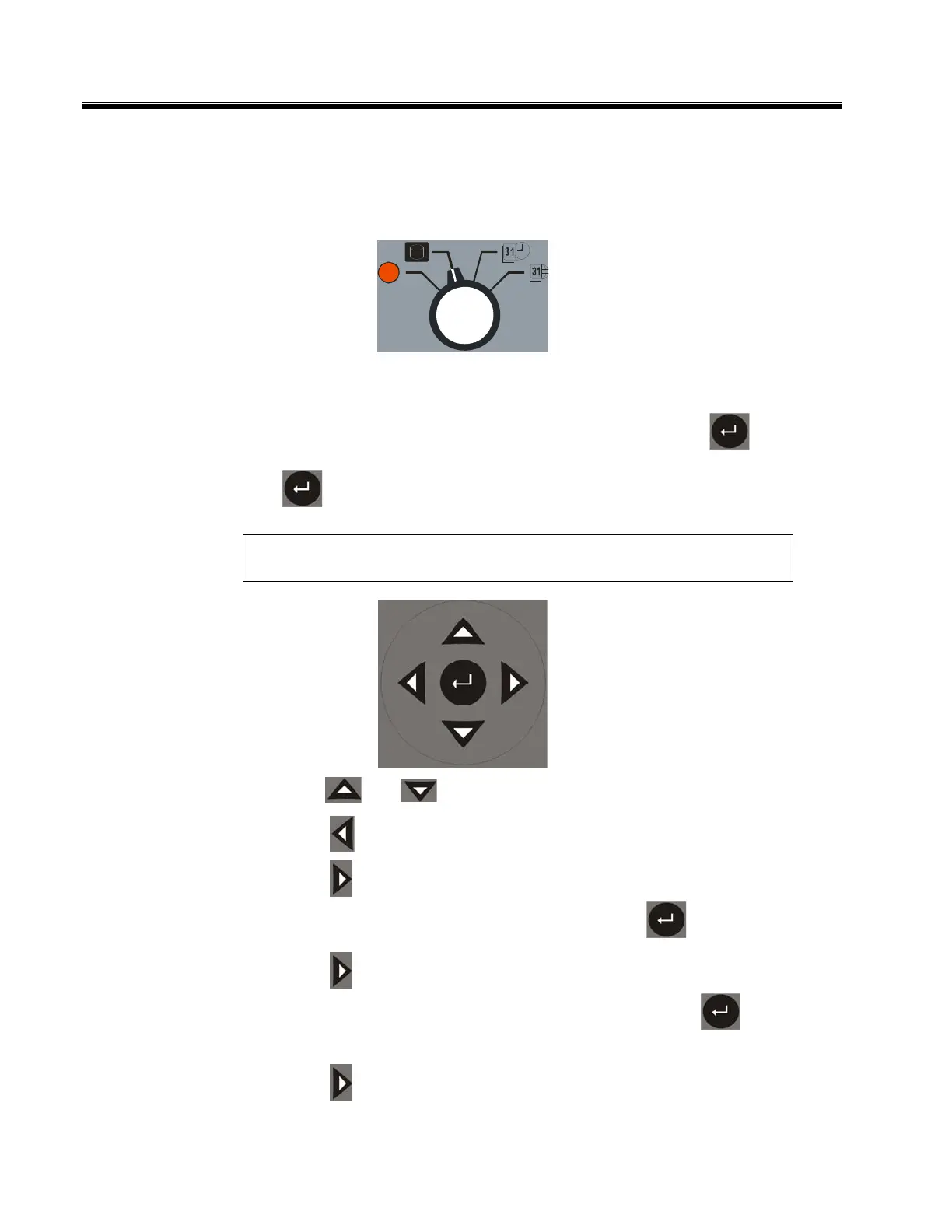
1. Set the Data Output Mode Switch into Storage Review Mode. The unit will
come up with the last data stored in alternate mode. The logged test number
and time of test will flash on the upper screen. By pressing , the unit
will display detailed results of current and two resistance values. Pressing
will alternate between the two displays.
NOTE: If the MTO storage is full, the message “StorAg FULL” will be
displayed at power up or at first time reviewing data.
2. Press and
to traverse the stored data.
3. Press to print displayed data.
4. Press to delete the last stored data from the unit. The unit will ask for
confirmation with SURE on the OHM1 screen. Press to confirm deletion.
5. Press a second time to delete all stored data from the unit. The unit will
ask for confirmation with SURE on the OHM1 screen. Press to confirm
deletion.
6. Press a third time to get out of the delete mode.
TEST



 To Next Page