EasyManua.ls Logo

MEI BNR4-21 - User Manual

Default Icon
62 pages
Print Icon
To Next Page IconTo Next Page
Loading...
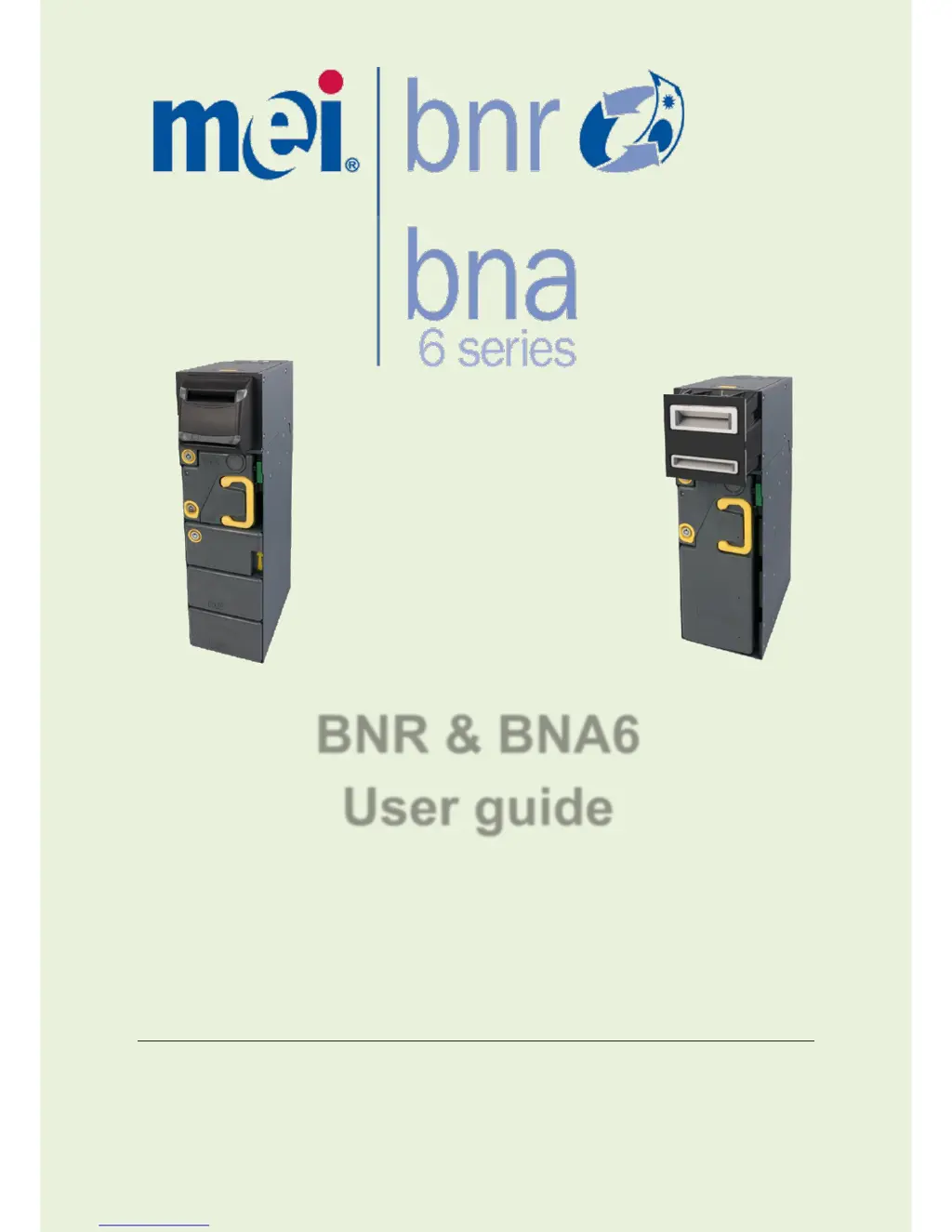
BNR & BNA6
User guide
CPI | Crane Payment Innovations
© 2009-2017 CPI. All rights reserved
BNR&BNA6 User guide
Information subject to change without
prior notice
67061 5 044 G6

Questions and Answers

  • S
    Sharon MillerAug 9, 2025
    What to do if the MEI BNR4-21 Cash Register displays 'Cash-Box full or not rearmed'?
    • J
      jason26Aug 9, 2025
      If your MEI Cash Register indicates 'Cash-Box full or not rearmed', you should empty the cash-box and rearm it. Consult the 'CASH-BOX HANDLING' documentation for detailed instructions.
  • T
    Tammy Armstrong DVMAug 17, 2025
    What to do if the MEI Cash Register is not operational due to a wrong module, OOS, or transport error?
    • T
      Thomas BradleyAug 17, 2025
      If your MEI Cash Register is 'Not Operational (wrong module, OOS, transport error)', a 'Reset' command is required.
  • K
    Karen MontesAug 25, 2025
    What to do if the MEI BNR4-21 Cash Register transport stopped, bill error?
    • S
      Steven EllisAug 25, 2025
      If the MEI Cash Register's transport has stopped and a bill error has occurred, clear the jam. Refer to 'EASY JAM CLEARING' or the Service Manual for detailed instructions.
  • S
    Stephanie HarrisAug 31, 2025
    What to do if MEI Cash Register shows 'Bill Storage not OK (Loader only)'?
    • J
      Janice WoodAug 31, 2025
      If your MEI Cash Register displays 'Bill Storage not OK (Loader only)', take no action, the CB is ready to insert.

Summary

Safety Instructions

Heavy Material Warning

Warning about the product's weight when completely assembled.

General Safety Precautions

Instructions for installing, removing boards, and ESD precautions.

Standards Conformance

User Guide

Overview

Familiarizes the operator with basic functions and upkeep of the BNR/BNA6.

Presentation

Details the modules composing the BNR/BNA6 unit.

Normal Operations in Host Machine

Locks and Security Principle

Explains how to secure the BNR/BNA6 with locks and the interlock system.

Cash-Box Handling and Arming

Instructions for removing, opening, closing, and rearming the Cash-Box.

Basic Troubleshooting

Easy Jam Clearing

In the Spine

Step-by-step instructions for clearing jams in the Spine.

In the Recognition Sensor

Step-by-step instructions for clearing jams in the Recognition Sensor.

Recommended Preventative Maintenance

BNR;BNA6 Recommended Maintenance Plan

Details recommended maintenance frequency and levels.

BNR Bill Path Cleaning Instructions

Step-by-step guide for cleaning the BNR Bill path.

Error Report

MEI BNR4-21 Specifications

General IconGeneral
BrandMEI
ModelBNR4-21
CategoryCash Register
LanguageEnglish

Related product manuals