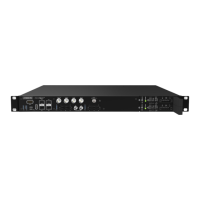
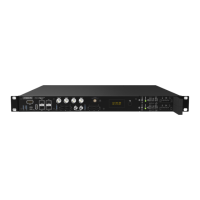
To configure the PTP parameters, select "PTP" in the Drop Down menu.
• You can determine the role of the PTP stack in the "Role" parameter.
• Under the "Profiles" parameter, either industry-specific PTP profiles can be selected, which then unlock
further parameters.
• If you choose the "Role" Custom, you have the option to configure all PTP parameters freely.
In addition, for example, the parameters network protocol or the delay mechanism can be configured.
Status
Overview Comprehensive informationen about module-/assembly group status
System General system information (serial number, firmware,...)
Ref. sources Status of the reference sources (NTP, PTP,...)
Clock Status of the internal clock (synchronisation status, oscillator,...)
Network Status of the network connection (Link, IP, DHCP, virtual interface,...)
NTP Status of NTP (Offset, Stratum,...)
PTP Status of PTP connections (Path Delay, Offset, Clock Accuracy,...)
Event Log Listing of the event logs (Event with timestamp)
Sensors Status of the sensors
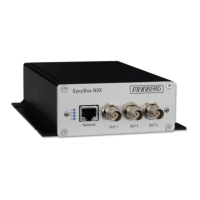
16 Date: 17th September 2019 SyncBox N2X


 To Next Page