32
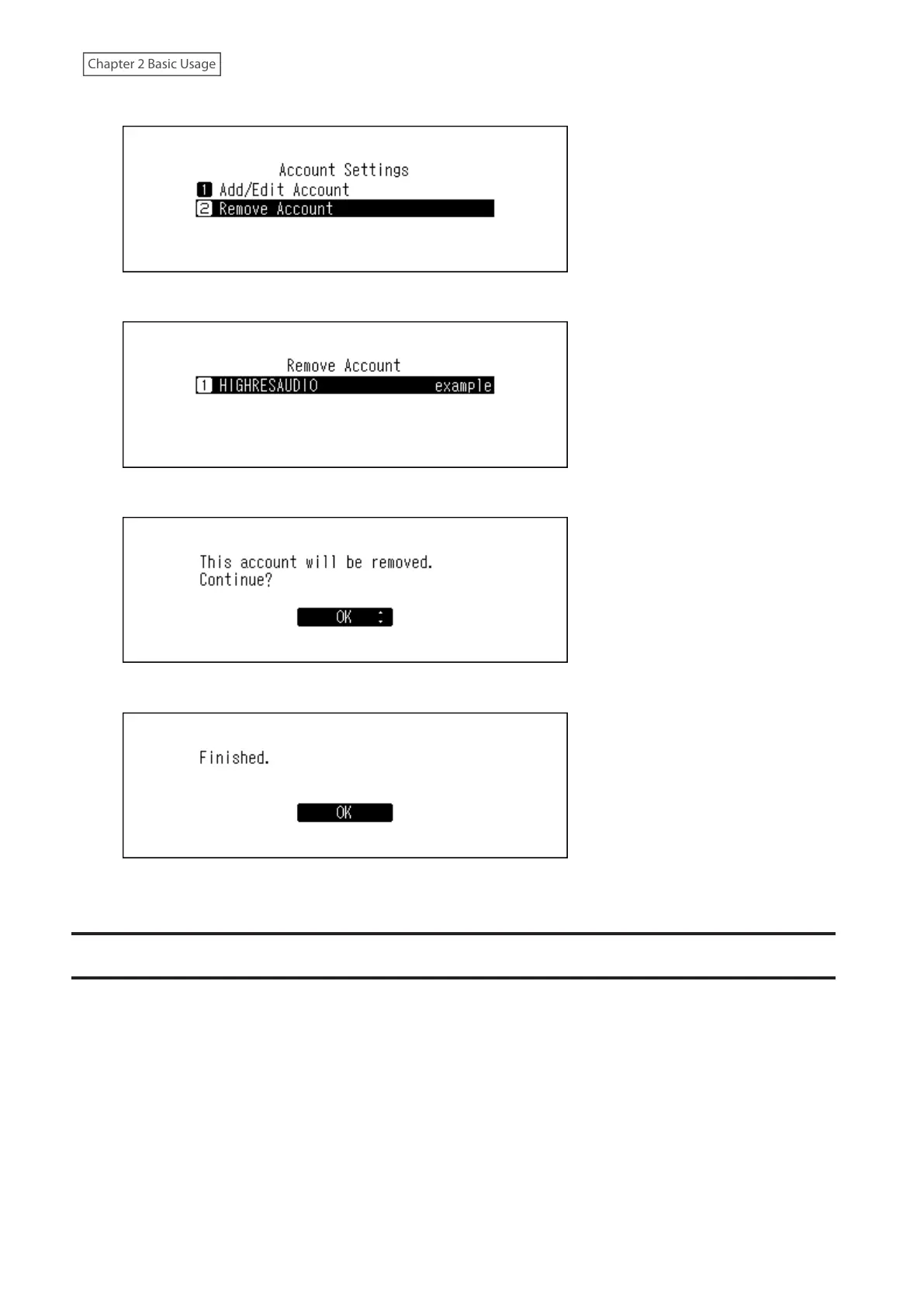
5 Press the Up/Down buttons and select “Remove Account”, then press the Menu/Enter button.
6 Press the Up/Down buttons and select the account to be deleted, then press the Menu/Enter button.
7 Press the Up/Down buttons and select “OK”, then press the Menu/Enter button.
8 Press the Menu/Enter button.
Note: If you remove all accounts with periodic downloads enabled, it will be disabled automatically.
Playing Music Files on a Network Audio Player
Imported music files can be played using the Network Audio Player. The procedure to play music files is different
depending on the Network Audio Player, so refer to your Network Audio Player’s manual for more detailed
information on how to play music.



 To Next Page