42
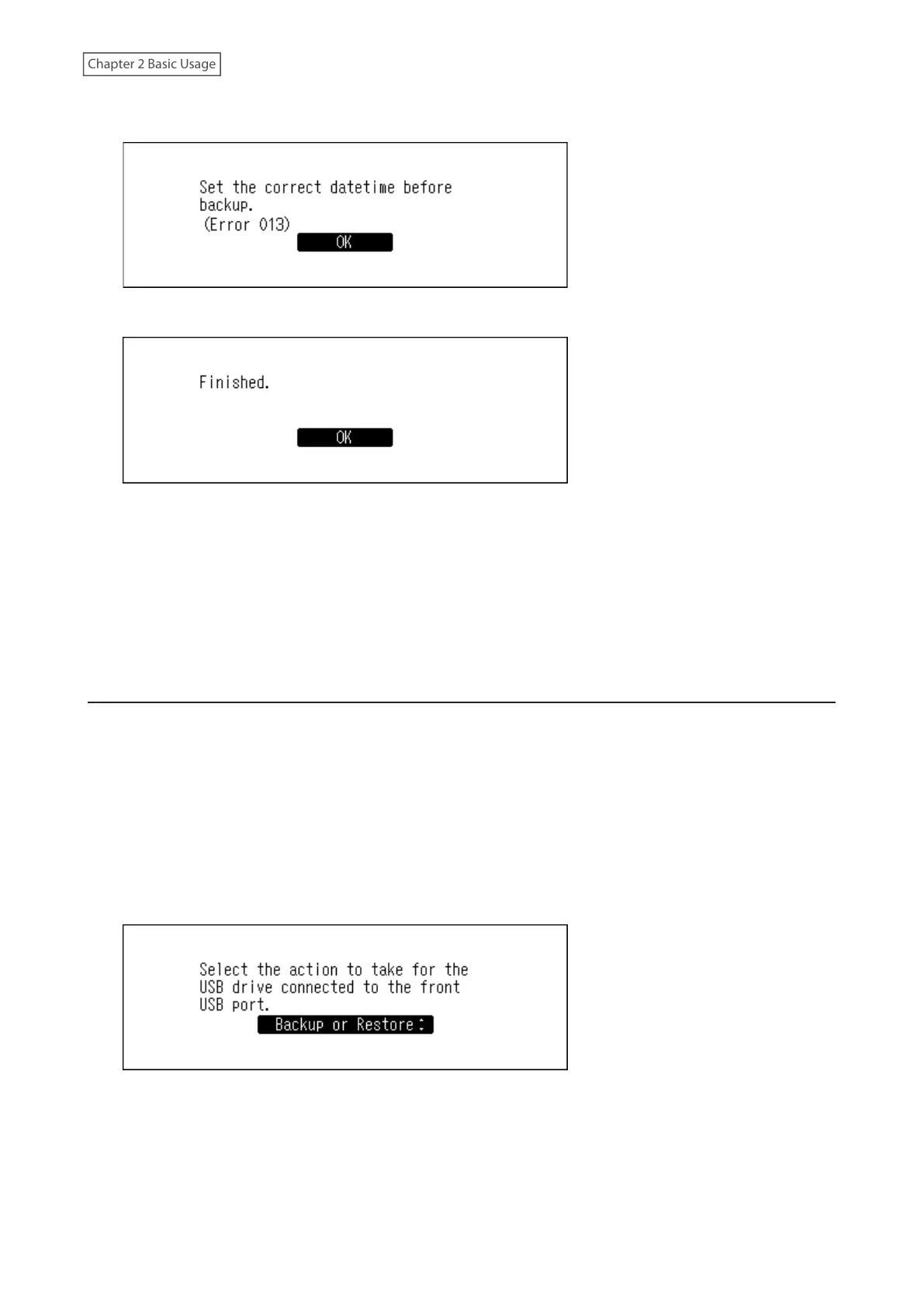
• If the following message is displayed, press the Menu/Enter button to go back to the previous screen and
configure the date and time correctly from Settings > Date and Time.
5 Press the Menu/Enter button.
6 Disconnect the USB drive.
Note: Backed up data will be saved in the following folder:
“.Anas.bak” - MAC address - backup date and time - “disk1”
Normally, a folder that contains a period in its name is treated as a hidden folder. Hidden folders cannot be
displayed unless a specific setting on a computer is changed. To access the “.Anas.bak” folder from a computer,
change its hidden folder settings beforehand.
Restoring
To restore the backup data, follow the procedure below.
Restoring from backup will delete all current data on the Digital Music Library. If needed, back up any data
before continuing.
1 Connect the backup drive that contains the backup data to the Backup port on the N1 EX, or the USB 2.0 port
on the N10/N100.
When the USB drive is connected to the front USB port on the N1A EX model, or the USB 2.0 port on the N10/
N100, the following screen will be displayed. Press the Up/Down buttons and select “Backup or Restore”, then
press the Menu/Enter button.
If “Finished.” is displayed, press the Menu/Enter button.



 To Next Page