38
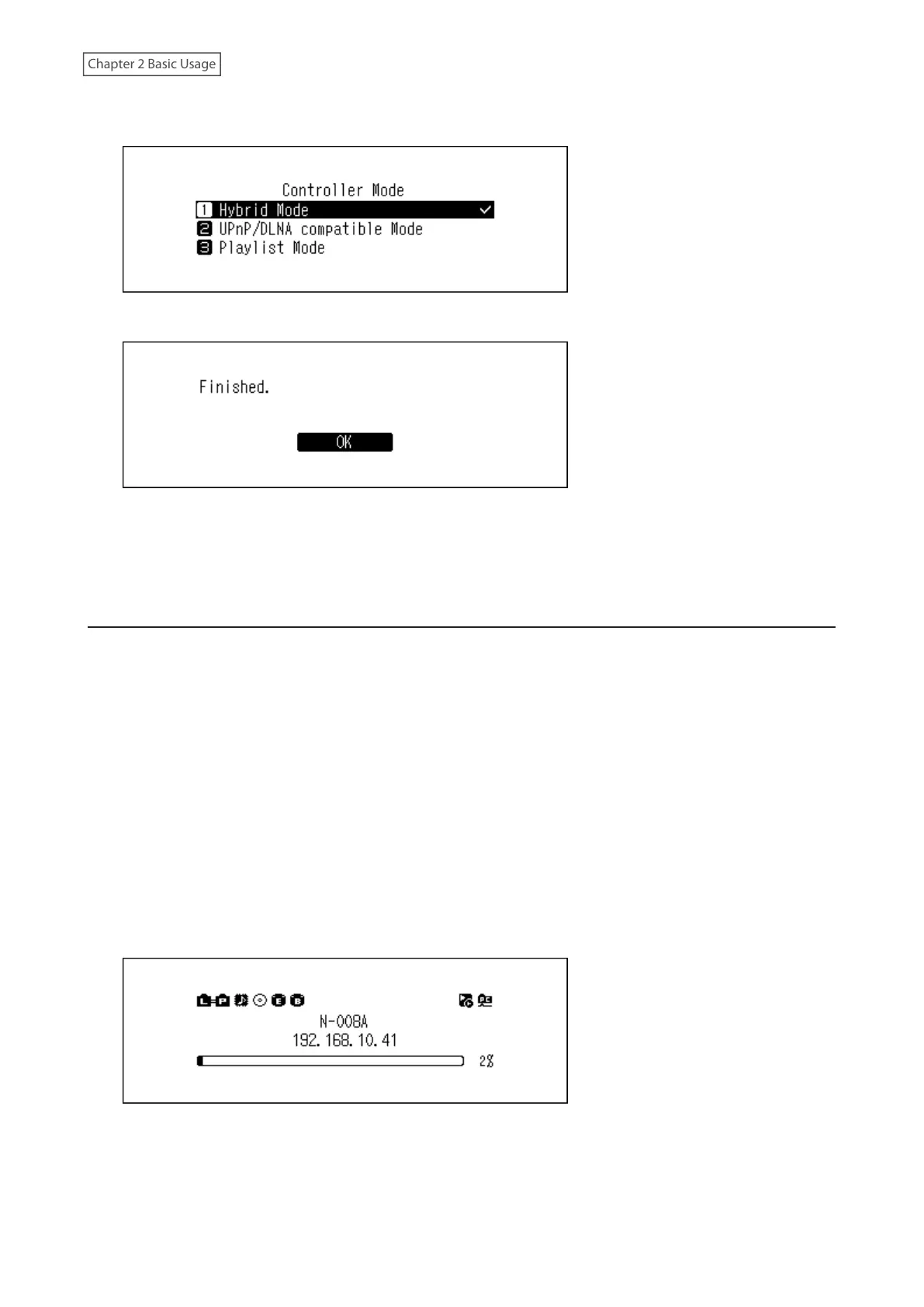
5 Press the Up/Down buttons and select either “UPnP/DLNA compatible Mode” or “Playlist Mode”, then press the
Menu/Enter button.
6 Press the Menu/Enter button.
The controller mode will be changed.
Note: If the controller mode is not set to “Hybrid Mode” and the mode is different from the one on the controller
app, the Digital Music Library may not appear as a player on the app.
Changing the DSD Playback Mode
The Digital Music Library supports three different playback modes for DSD files (.dsf, .dff ). You can select from the
following modes:
• Standard: The default and recommended playback mode. If a connected USB-DAC supports Melco Markerless
DSD, the DSD file will be played by the Markerless DSD playback; otherwise, the DSD file will be played by DSD
over PCM.
• DSD over PCM Priority Mode: This mode applies DSD over PCM even if a connected USB-DAC supports
Markerless DSD playback. Except for this aspect, this mode is the same as standard mode.
• PCM Mode: This mode will convert DSD files to PCM files. If connecting a USB-DAC that only supports playing
PCM files, selecting this mode is recommended. Except for this behavior, this mode is the same as standard
mode.
To configure USB-DAC on your Digital Music Library, follow the procedure below.
1 Press the Menu/Enter button to display the menu list at the home screen.
Note: The screenshot above shows the N1 EX.



 To Next Page