64
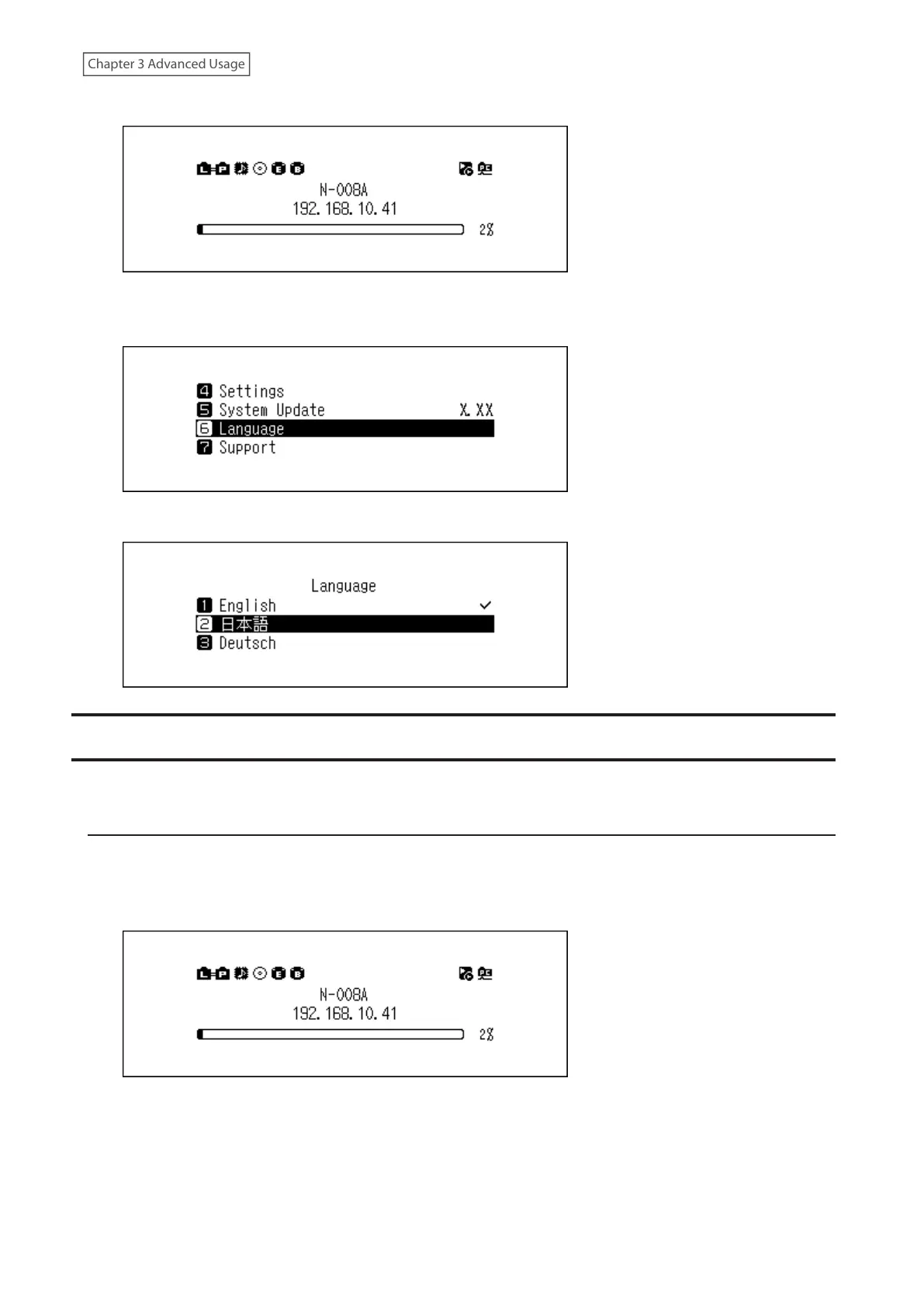
1 Press the Menu/Enter button to display the menu list at the home screen.
Note: The screenshot above shows the N1 EX.
2 Press the Up/Down buttons and select “Language”, then press the Menu/Enter button.
3 Press the Up/Down buttons and select the display language, then press the Menu/Enter button.
Updating the Firmware
To update the Digital Music Library’s firmware version to the latest one, follow the procedure below.
Updating via the Network
Note: To update the firmware via the network, the Digital Music Library should be connected to the Internet. If the
Digital Music Library is in isolated mode, use another Ethernet cable and connect it to the LAN port and the router.
1 Press the Menu/Enter button to display the menu list at the home screen.
Note: The screenshot above shows the N1 EX.



 To Next Page