44
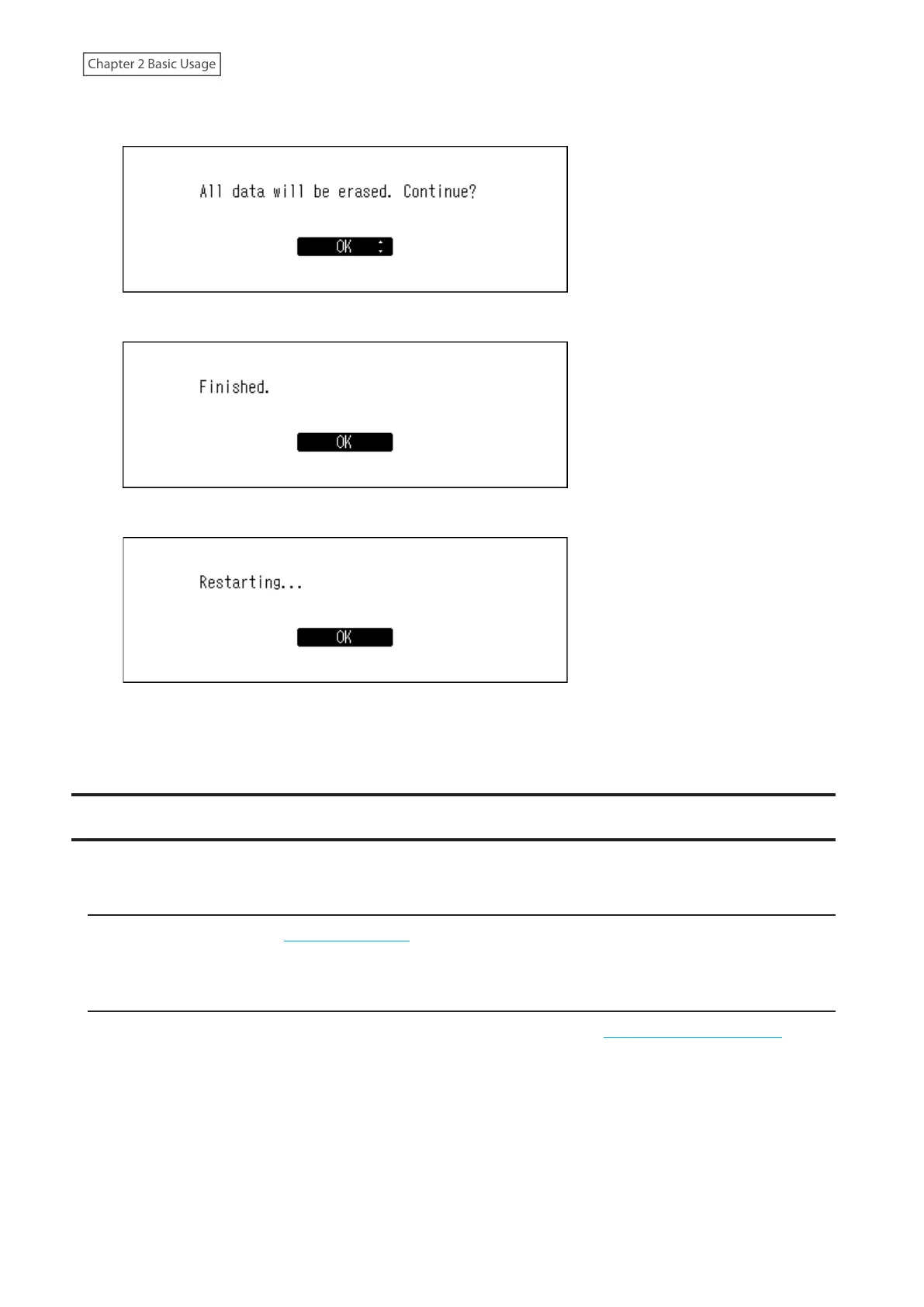
7 Make sure that all files on the drive can be erased before proceeding. To continue formatting, press the Up/
Down buttons and select “OK”, then press the Menu/Enter button.
8 Press the Menu/Enter button.
9 Press the Menu/Enter button.
10 The Digital Music Library will restart. Wait until the home screen is displayed.
11 When the home screen is displayed, disconnect the USB drive.
Deleting the Imported Music Files
There are two ways to delete the imported music files. Follow either procedure below.
Deleting All Files
Format the drive, referring the “Formatting Drives” section in chapter 3. Formatting will delete all data on the drive. If
needed, back up any data before continuing.
Deleting Each File One by One
Open the Digital Music Library shared folder from the computer, referring to the “Confirming Imported Files” section
above, and delete each file one by one.



 To Next Page