59
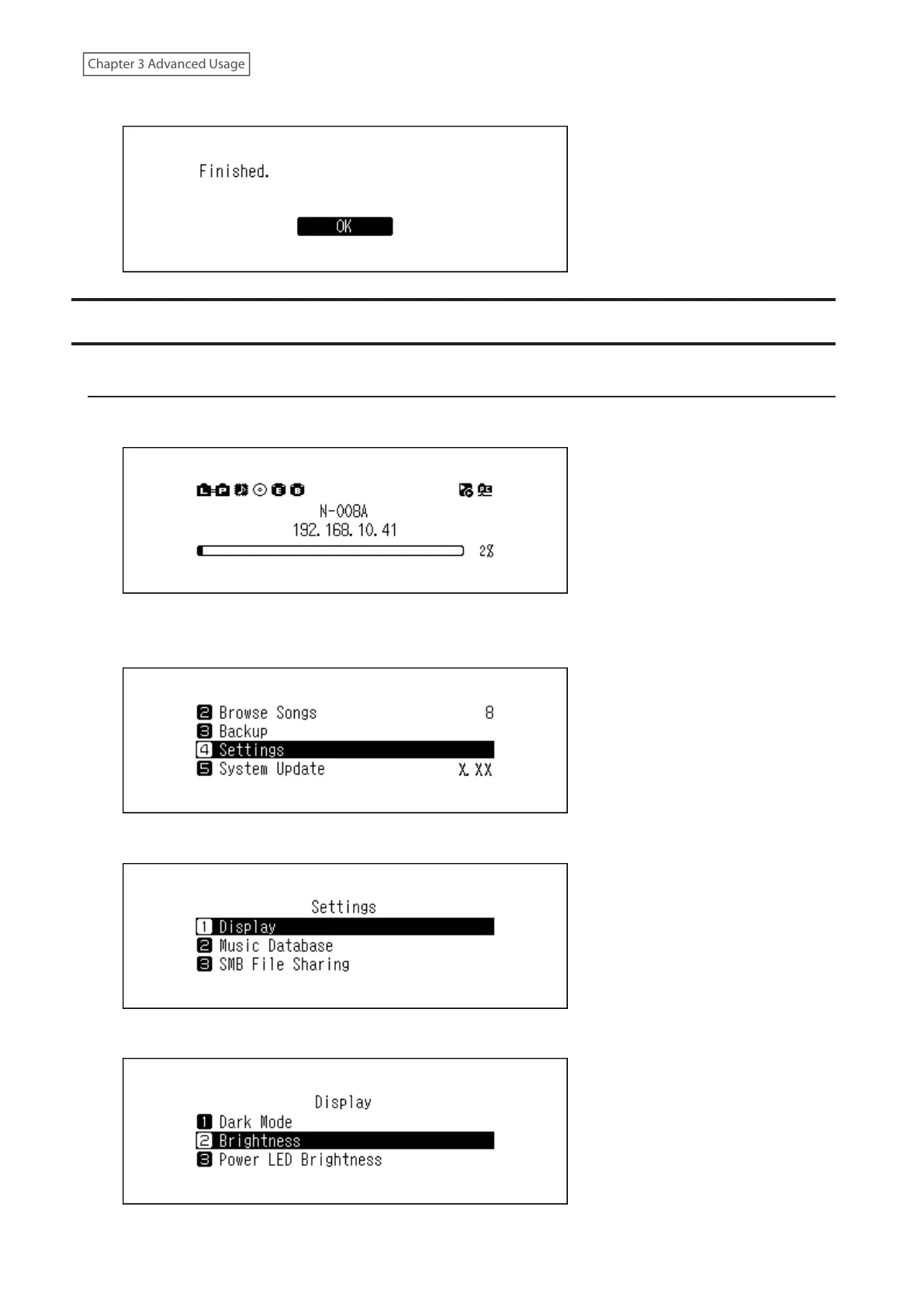
5 Press the Menu/Enter button.
Configuring Display and LED Settings
Changing the Display Brightness
1 Press the Menu/Enter button to display the menu list at the home screen.
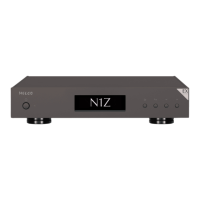
Note: The screenshot above shows the N1 EX.
2 Press the Up/Down buttons and select “Settings”, then press the Menu/Enter button.
3 Press the Up/Down buttons and select “Display”, then press the Menu/Enter button.
4 Press the Up/Down buttons and select “Brightness”, then press the Menu/Enter button.


 To Next Page