Accessories
Accessory Description
MA-PWR-CORD-US 1x AC Power Cable, US plug
MA-PWR-CORD-EU 1x AC Power Cable, EU plug
MA-PWR-CORD-UK 1x AC Power Cable, UK plug
MA-PWR-CORD-AU 1x AC Power Cable, AU plug
Note: Please refer to meraki.com for additional single-mode and multi-mode fiber transceiver modules
Product View and Physical Features
Front Panels
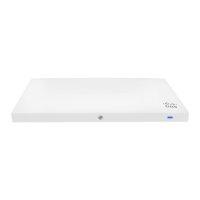
MX75
Status Indicator
The MX75 series devices uses an LED to inform the user of the device's status. LED patterns and their meanings are
described below.
LED Status Meaning
Solid orange
Power is applied but the appliance is not connected to
the Meraki Dashboard
Rainbow Colors
The appliance is attempting to connect to Meraki
Dashboard
Flashing White Firmware upgrade in progress
4


 To Next Page