Switching on your MERGING+NADAC
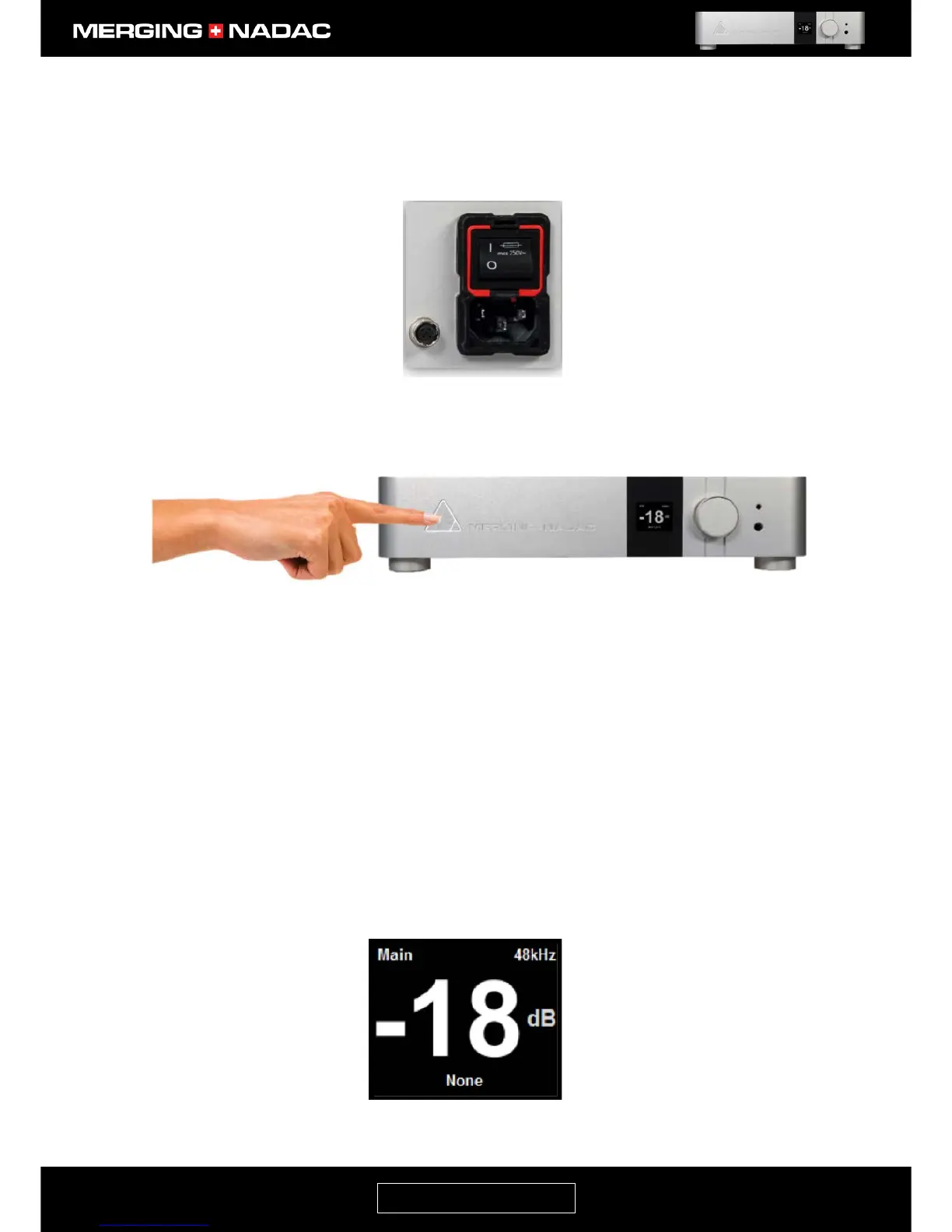
1. Make sure that the switch on the unit’s rear panel power inlet is set to the On position, as shown in
Figure 12.
2. Briefly press the front panel power button – Figure 13.
3. The periphery of the power button will light up in white and the unit will commence the boot-up
sequence, which will take approximately 60 seconds. During this time the unit will perform a series of
self-test and initialization routines.
Note: If the front panel power button light isn’t steady, but appears to flicker, this may indicate a fault condition and
the unit should be switched off. If you cannot switch the unit off using the Shutdown command in the Exit menu
(page 38), press and hold down the power button until the unit switches off.
4. When the display shows the Main output home screen, the unit is ready for use. Figure 14 shows an
example of the Main output home screen. The sample rate, volume level and input source indicated
will depend on the settings when the unit was last shut down.



 To Next Page