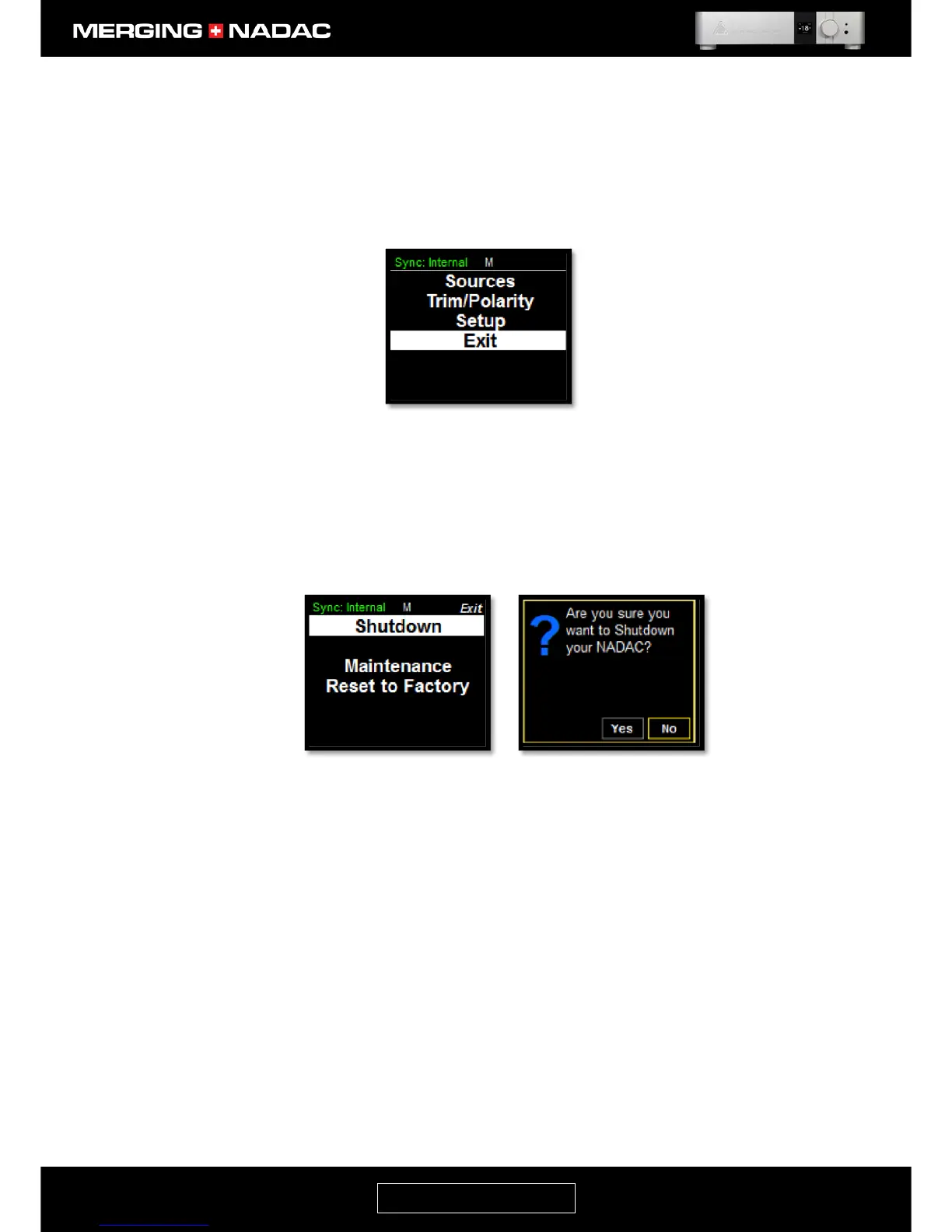
Exit Menu
The Exit menu allows the unit to be shutdown properly so that all settings are stored and can be correctly
recalled when the unit is restarted; enables the unit to be started in Maintenance Mode which is used when
updating firmware and lastly it allows the unit to be reset to the factory settings.
To enter the Exit menu: From the home screen press and hold the Rotary Control until the Main menu top
screen appears - Figure 20, then use the Rotary Control to highlight Exit - Figure 35. Briefly press the Rotary
Control and the Exit menu will be opened – Figure 36
Shutdown: This initiates an orderly shutdown of the unit, so that all settings are stored and
correctly recalled when the unit is restarted
To shut the unit down: use the Rotary Control to highlight Shutdown in the Exit
menu, Figure 36, then briefly press the Rotary Control. This will open the Shutdown
select page, Figure 37. Use the Rotary Control to outline the Yes box, then briefly
press the Rotary Control. The unit will then start to shut down. This will take about
10 seconds.
Do not attempt to switch the unit off using the front panel power button or the
switch on the rear panel power inlet, as we cannot guarantee that the unit’s settings
will be correctly saved and recalled the next time it is switched on
Maintenance: This shuts the unit down and reboots it in Maintenance Mode. This mode is used
when performing a firmware upgrade.
To enter Maintenance Mode: use the Rotary Control to highlight Maintenance in
the Exit menu, Figure 38, then briefly press the Rotary Control. This will open the
Maintenance select page, Figure 39. Use the Rotary Control to outline the Yes box
then briefly press the control. The unit will then shut down and restart in
Maintenance Mode.
The full procedure for updating the firmware may be found on page 69.



 To Next Page