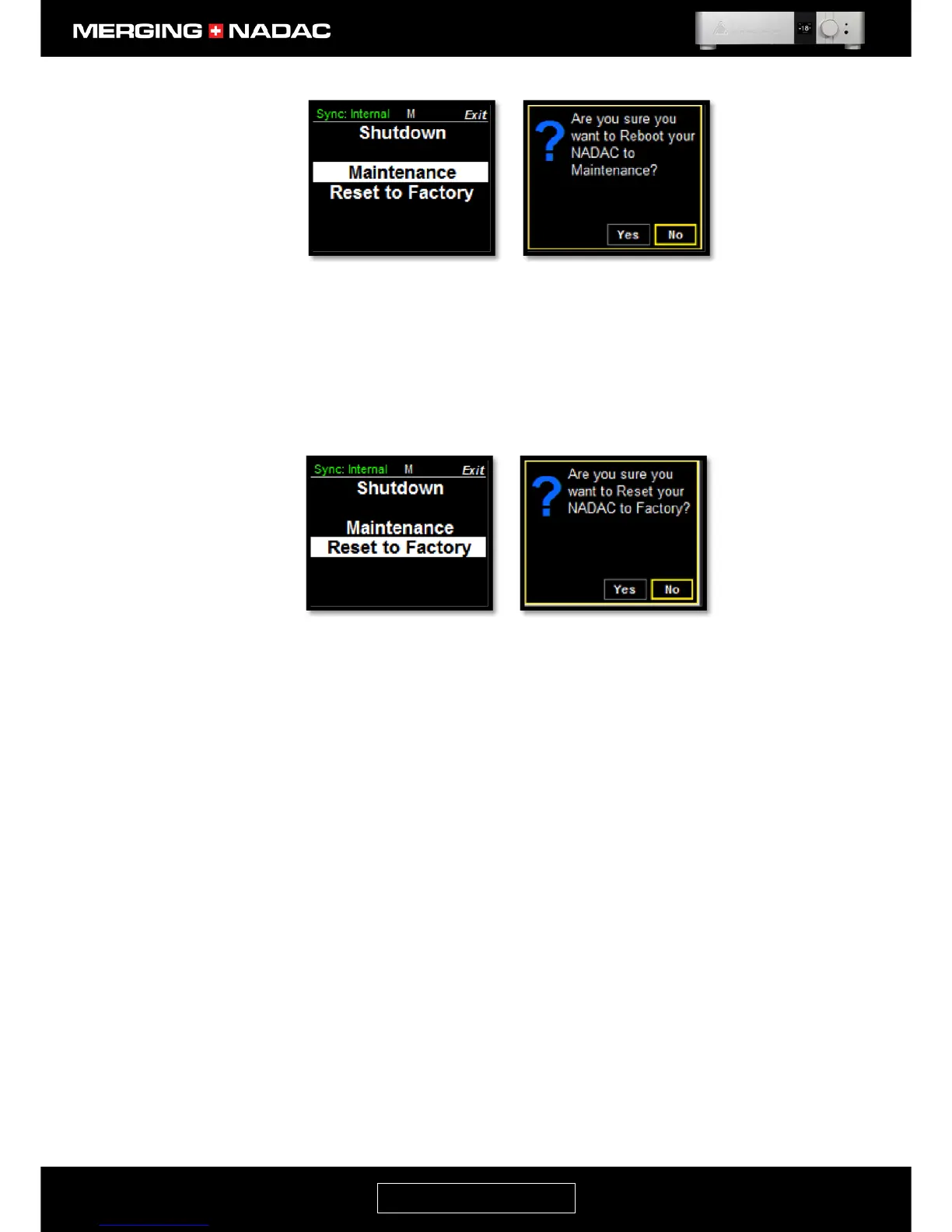
Reboot to Factory: This will shut the unit down and restart it with the factory default settings.
To reset to the factory default settings: use the Rotary Control to highlight Reset to
Factory in the Exit menu, figure 40, then briefly press the Rotary Control. This will
open the Reset to Factory select page, figure 41. Use the Rotary Control to outline
the Yes box then briefly press the control. The unit will then shut down and restart
with the factory default settings.



 To Next Page