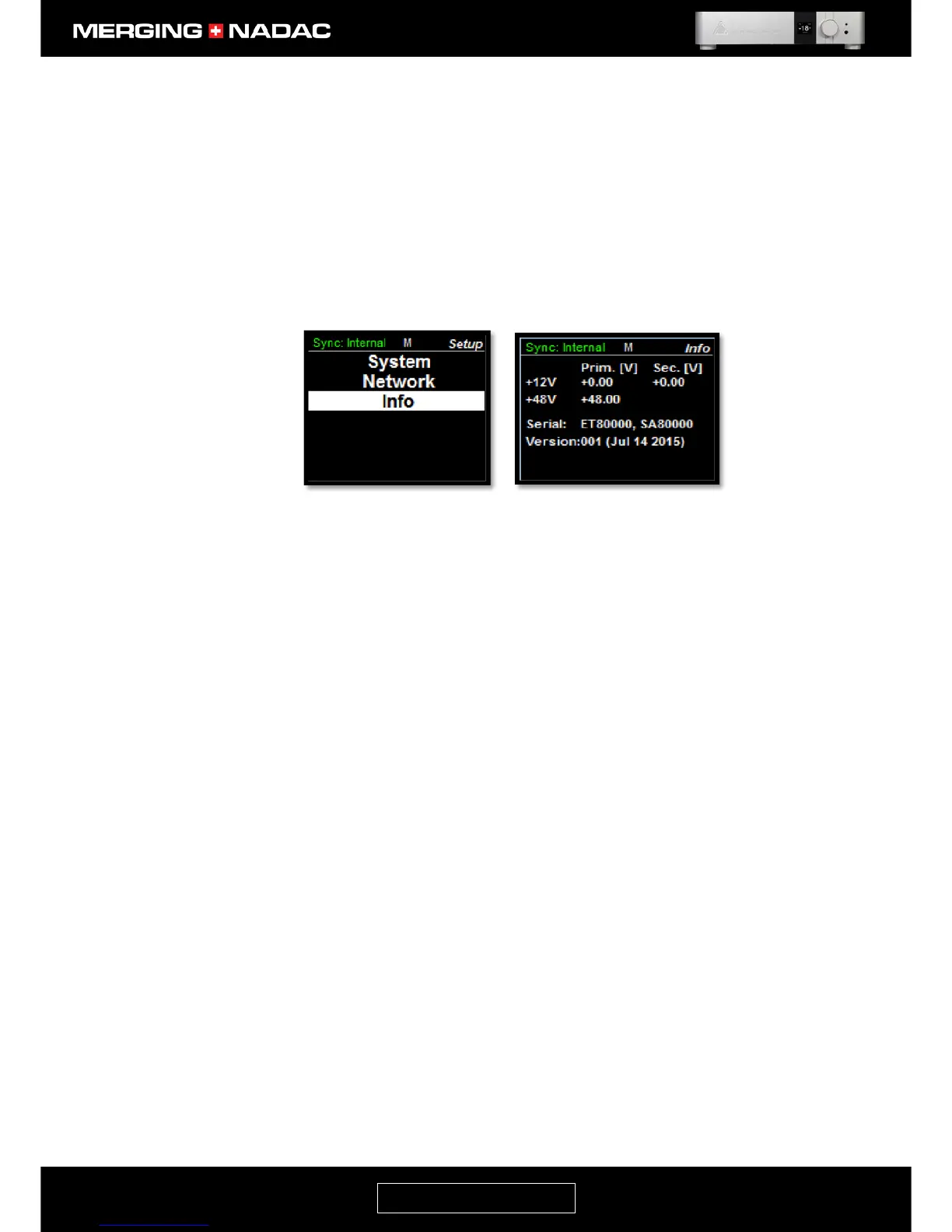
Info Menu
The Info menu shows key internal voltages, which may be helpful when diagnosing problems, the unit’s serial
number and the software version.
To enter the Info menu: From the home screen press and hold the Rotary Control until the Main menu top
screen appears – Figure 20. Use the Rotary Control to highlight Setup, then briefly press the control. This will
open the Setup menu – Figure 33. Use the Rotary Control to highlight Info, briefly press the control again and
the Info menu will appear – Figure 34.



 To Next Page