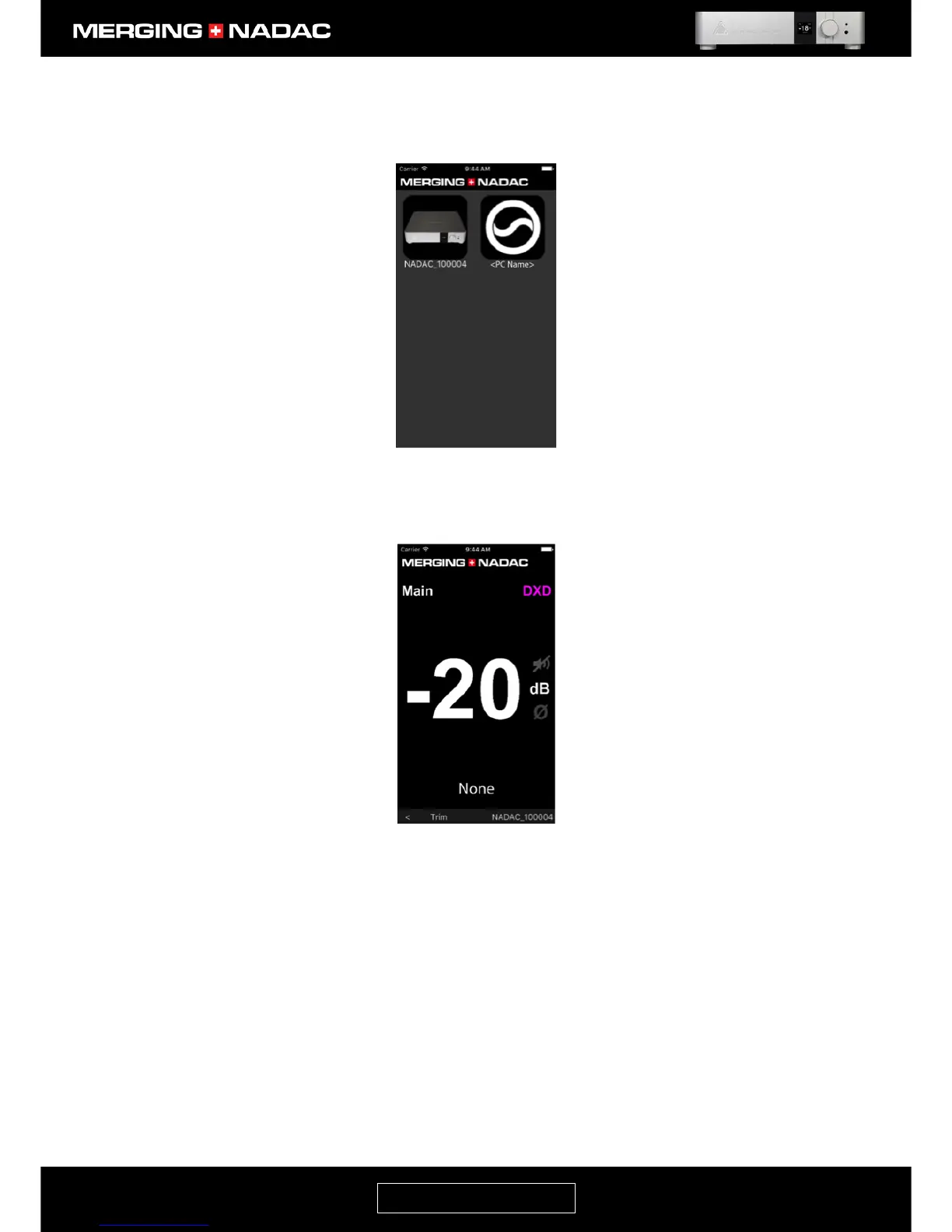
You should see two icons in this page. One represents the MERGING+NADAC and the other the music
server software. In this illustration we are using the Merging Technologies Emotion software. <PC
Name> is the arbitrary name given to the network source in this Illustration.
8. Tap the NADAC icon on the Devices page and the NADAC App Home page will open – Figure 49. The
word None in the centre of the bottom edge of the screen in this illustration indicates that no source is
currently selected.



 To Next Page