Quickstart Guide : A First Simple Project
Page 23
A First Simple Project
This section provides a step-by-step guide to starting a simple new Project, recording and playing back some
audio and basic editing.
Note: This section is not intended as a substitute for the more detailed information to be
found elsewhere in this guide and in the Pyramix User Manual.
The following prior steps are assumed:
• Pyramix hardware and software installation has been completed.
• An audio source and means of monitoring have been connected to the physical I/O.
• The software has been registered, the registration key(s) entered and the initial settings entered in the VS3
Control Panel.
Start Pyramix
Launch the Pyramix application Start > All Programs > Pyramix > Pyramix Virtual Studio or by double-clicking
the Pyramix Desktop Short-cut. The application will open with no Project loaded.
Connect Physical I/O to Logical I/O
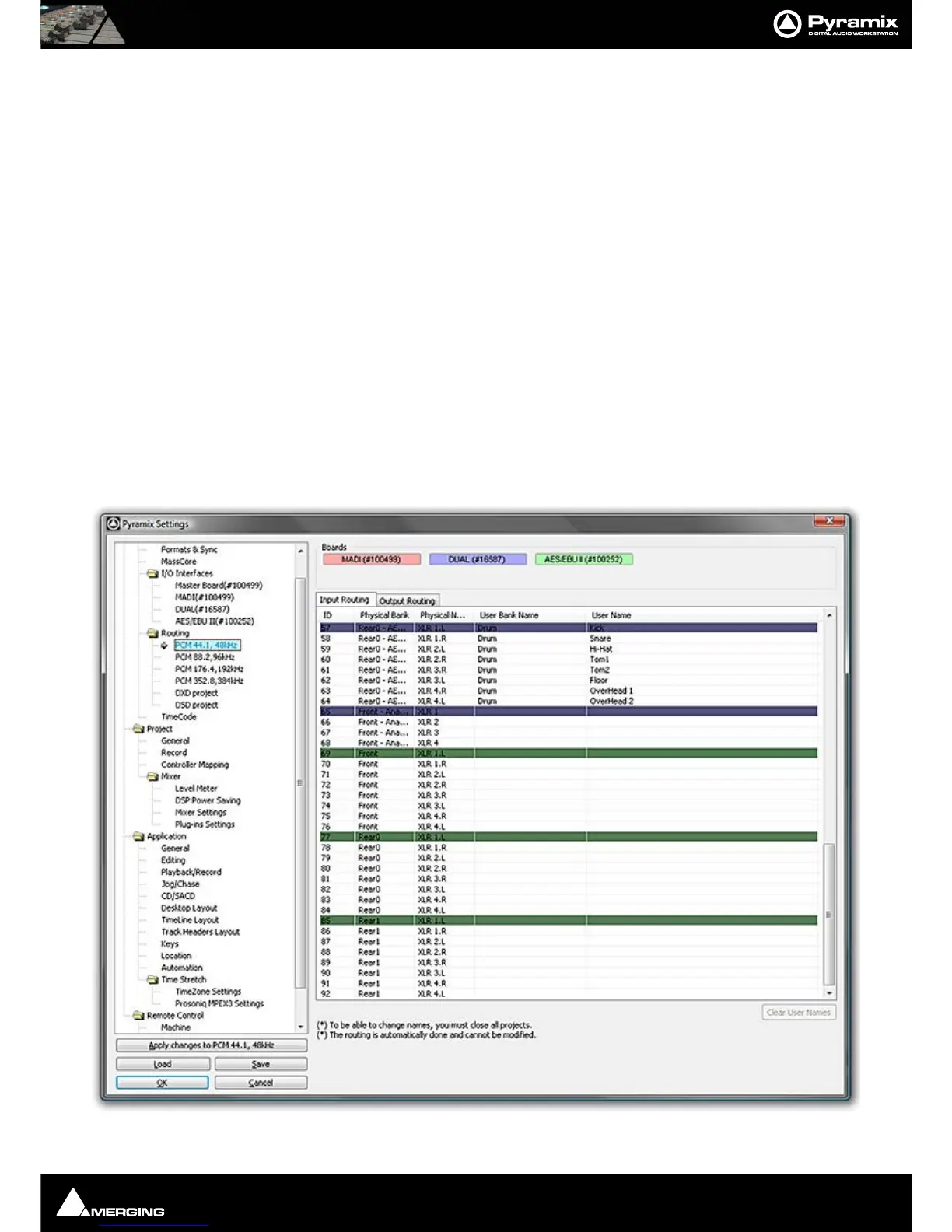
Open the Settings > All Settings > Hardware > Routing > PCM I/O Routing page.
Settings - PCM 44.1,48kHz Input Routing Page



 To Next Page