Quickstart Guide : Strip and Bus Tools - Plug-ins
Page 58
Both may be freely used in Strips or Busses if the need should arise for a limiter in an Input Strip or a Compressor in
a Bus.
Modules
The Strip and Bus Tools plug-ins consist of several Sections or modules. Each Section has a title bar at the top con-
taining an On/Off switch for the section and a control triangle which toggles between showing or hiding the sec-
tion.
Display Options
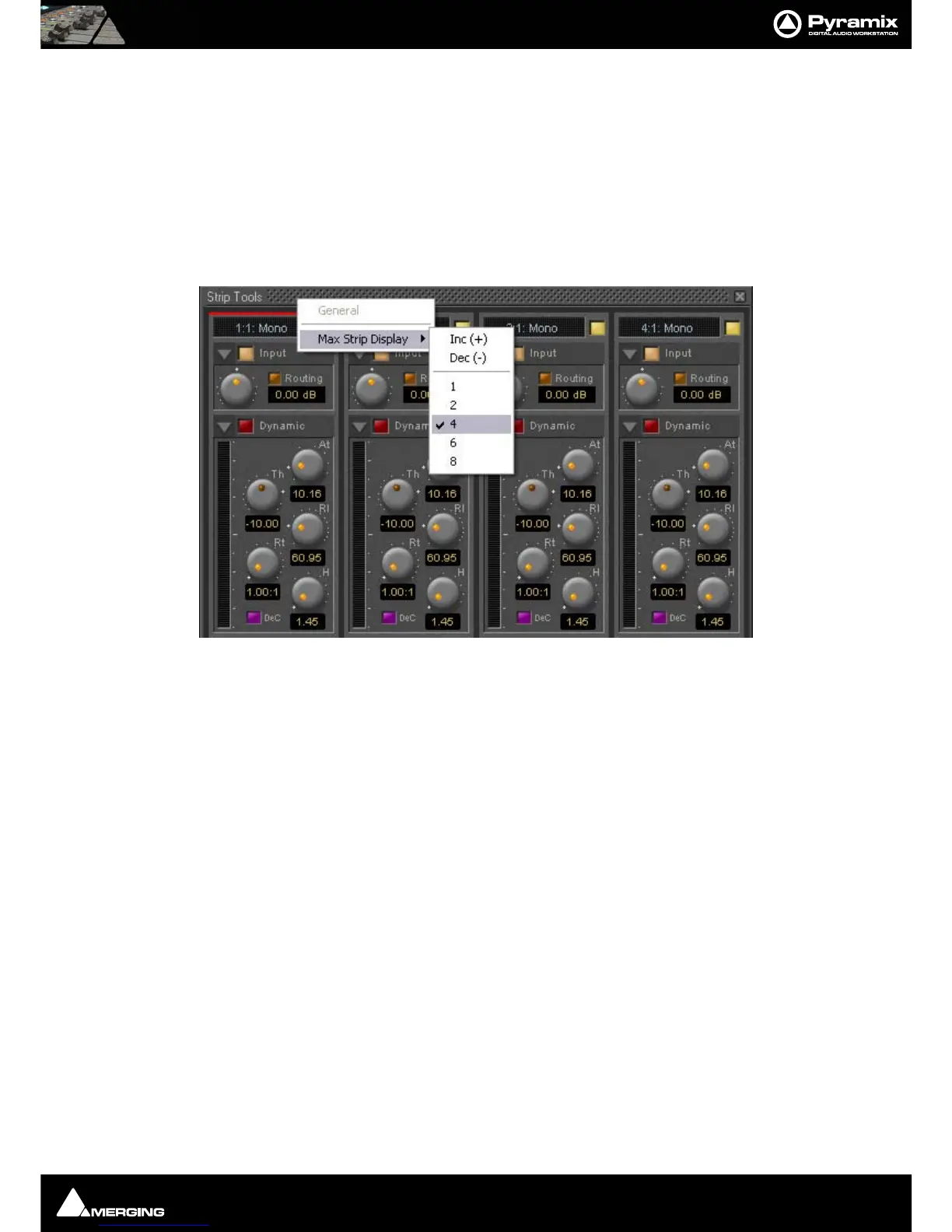
Multiple instances of the Bus Tools plug-in are displayed in one large window. Right-click onto the window title
bar of the plug-in to open a menu offering some general display options for the Strip Tools plug-ins:
This menu allows you to either directly select the number of strips displayed in the plug-in window, or to incre-
ment/decrement this number by one.
Linking Strip-Tools controls
Any choice of Strip Tools controls can be linked together. When you move any of the controls which is a member
of a link group, all the other members of the group also move. There are 48 link groups for linear/rotary controls
and 48 link groups for switches.
Strip Tools - General Display Options



 To Next Page