Quickstart Guide : CD Mastering
Page 68
2. For speed, select a suitable simple Mixer Template (E.g. Mix 8 X 2 (Stereo)
3. Open the Media Management or Library window where the material is located.
4. If the original material is not already at 44.1kHz, use Convert > Quick Convert > Samplerate Converter to
make 44.1kHz versions.
5. Turn on Edit > Auto-Ripple and Edit > Edit Mode > Snap > Head to nearest
6. Place the objects on Tracks 1&2 in the order you wish them to appear on the CD
7. If you need to change the order, simply select clips and drag and drop into position. Auto-Ripple and Snap
take care of keeping everything together.
Add CD Markers
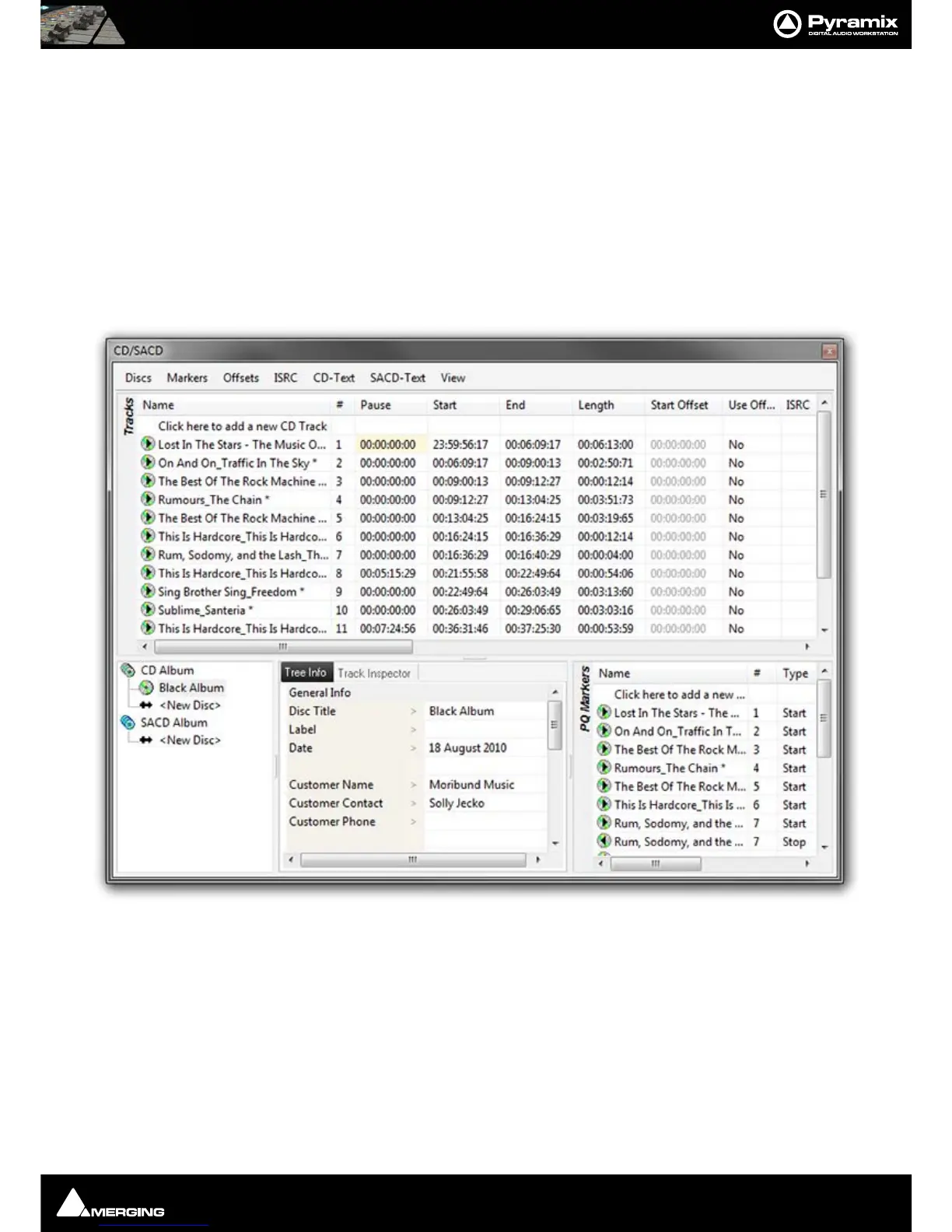
8. Open the CD/SACD Tab Window
9. Double-click <New Disc> in the Album tab.
10. Type a name for the CD
CD/SACD Tab Window



 To Next Page