6
KIT ASSEMBLY
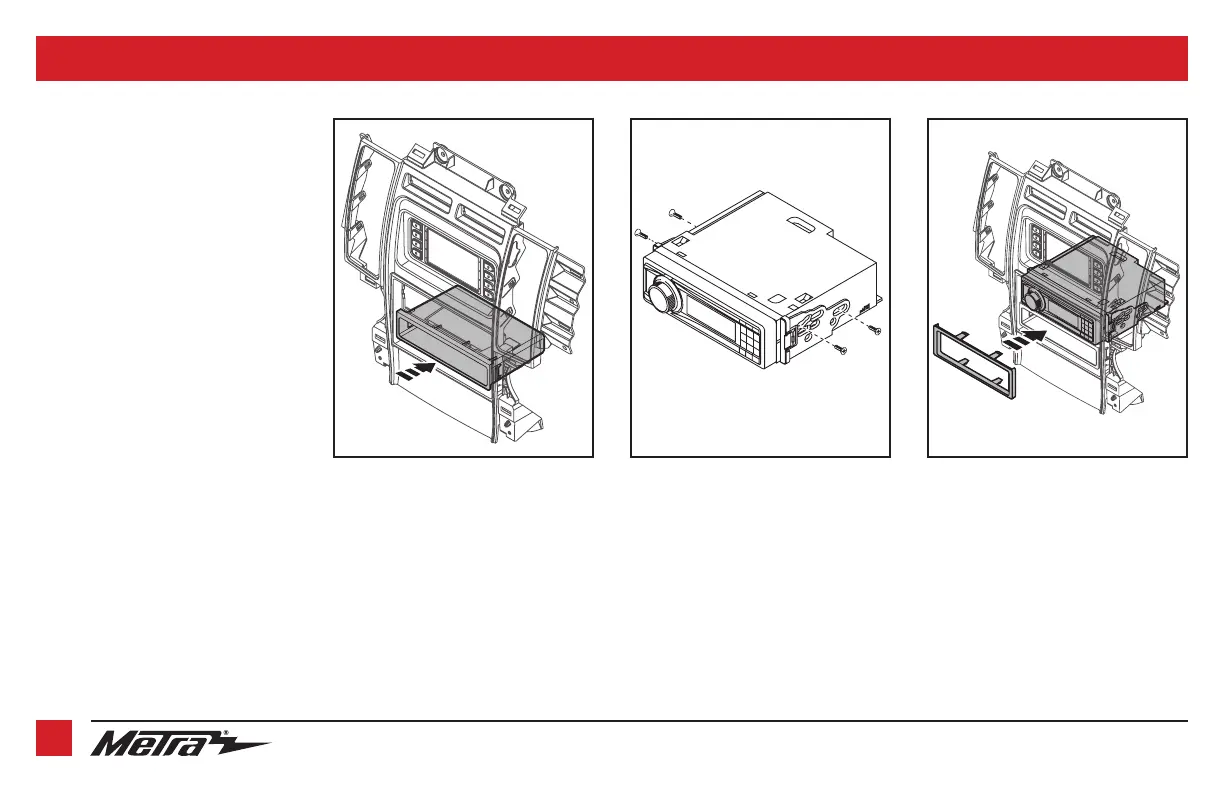
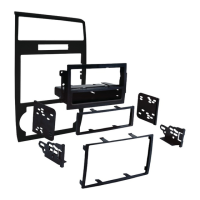
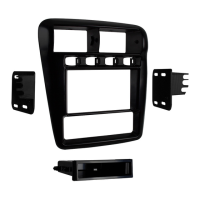
ISO DIN radio provision with pocket
1. Snap the
pocket
into the lower opening
of the
radio/display trim panel
.
(Figure A)
2. Remove the metal DIN sleeve and trim
ring from the aftermarket radio.
3. Secure the
ISO DIN brackets
to the
radio using the screws supplied with the
radio. (Figure B)
4. Slide the radio into the upper opening
of the
radio/display trim panel
until the
side clips engage. (Figure C)
5. Attach the
ISO DIN trim plate
onto the
completed assembly. (Figure C)
Continue to Axxess
Interface Installation
(Figure A) (Figure B) (Figure C)


 To Next Page