99-7803G
®
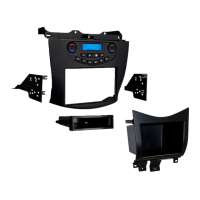
Kit Preparation
3
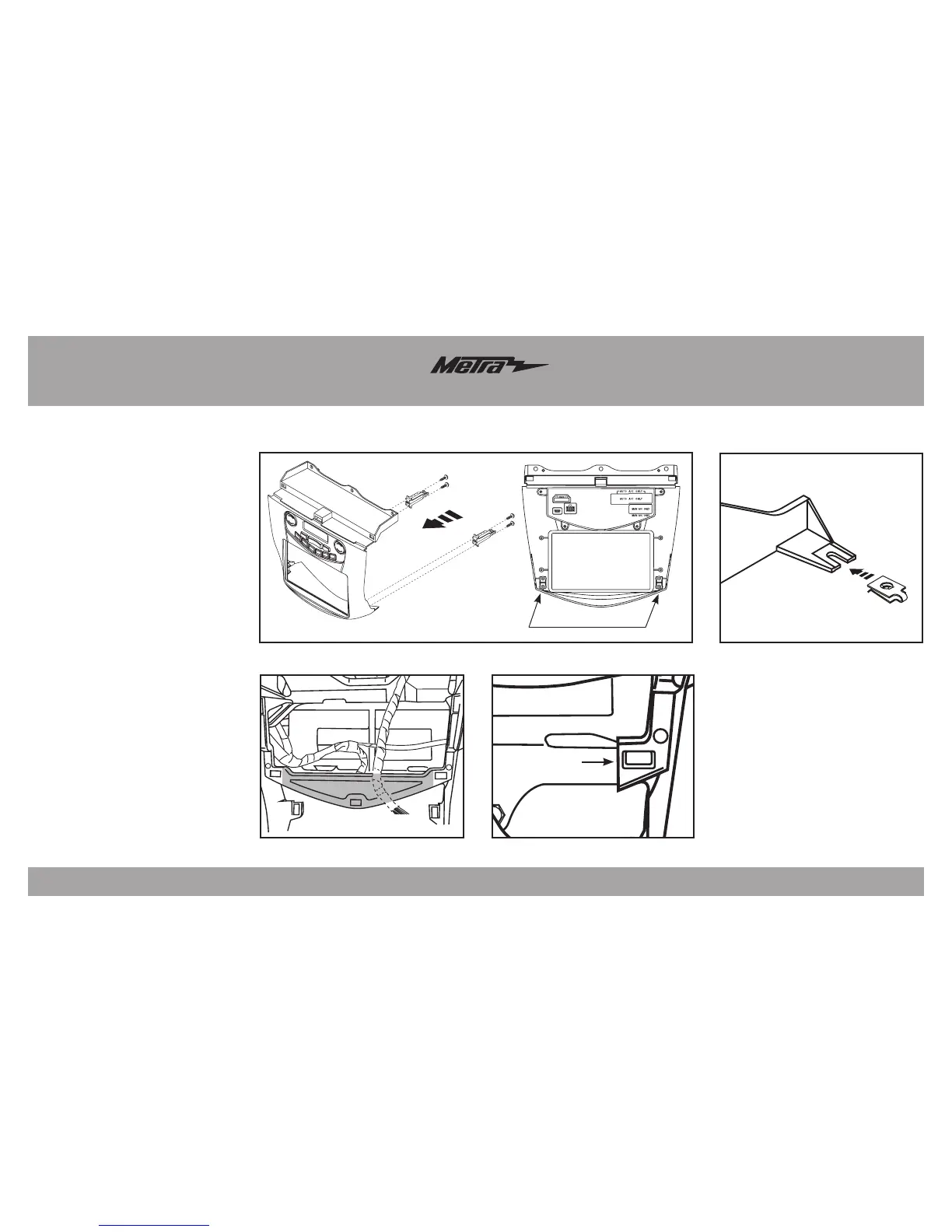
Clip leg locations
(Figure A)
1. Secure the (2) panel clip legs to
the radio housing trim panel with
the (4) #4 x 3/8” Phillips pan-head
screws supplied, and then attach
the panel clips. (Figure A)
2. Attach the (2) speed clips provided
to the bottom mounting legs of the
radio brackets. (Figure B)
3 . Cut and remove the center section
of the dash cavity (Figure C). Be
sure to leave the outside clip slots
intact. (Figure D)
Note: Some models may be
slightly different.
Continue to Kit Assembly
(Figure B)
(Figure C)
Remove shaded area
(Figure D)
Cut close without
cutting into clip slot



 To Next Page