METRA - The World’s best kits
®
metraonline.com
© COPYRIGHT 2017 METRA ELECTRONICS CORPORATION
REV. 11/14/2017 INST99-7803G
KNOWLEDGE IS POWER
Enhance your installation and fabrication skills by
enrolling in the most recognized and respected
mobile electronics school in our industry.
Log onto www.installerinstitute.com or call
800-354-6782 for more information and take steps
toward a better tomorrow.
®
Metra recommends MECP
certified technicians
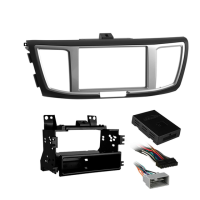
Installation instructions for part 99-7803GInstallation instructions for part 99-7803G
®
IMPORTANT
If you are having difficulties with the
installation of this product, please call our
Tech Support line at 1-800-253-TECH.
Before doing so, look over the instructions a
second time, and make sure the installation
was performed exactly as the instructions
are stated. Please have the vehicle apart
and ready to perform troubleshooting steps
before calling.
Changing the back-light color
on the display
1. Press and hold the mode button for 5-10 seconds. The display will start flashing slowly.
2.
Press and hold the left side temp up button to increase red.
3.
Press and hold the left side temp do
wn button to decrease red.
4.
Press and hold the fan up button to increase green.
5.
Press and hold the fan do
wn button to decrease green.
6.
Press and hold the right side temp up button to increase blue.
7.
Press and hold the right side temp up button to decrease blue.
8.
After 10 seconds of no activity the color
chosen will be locked in.
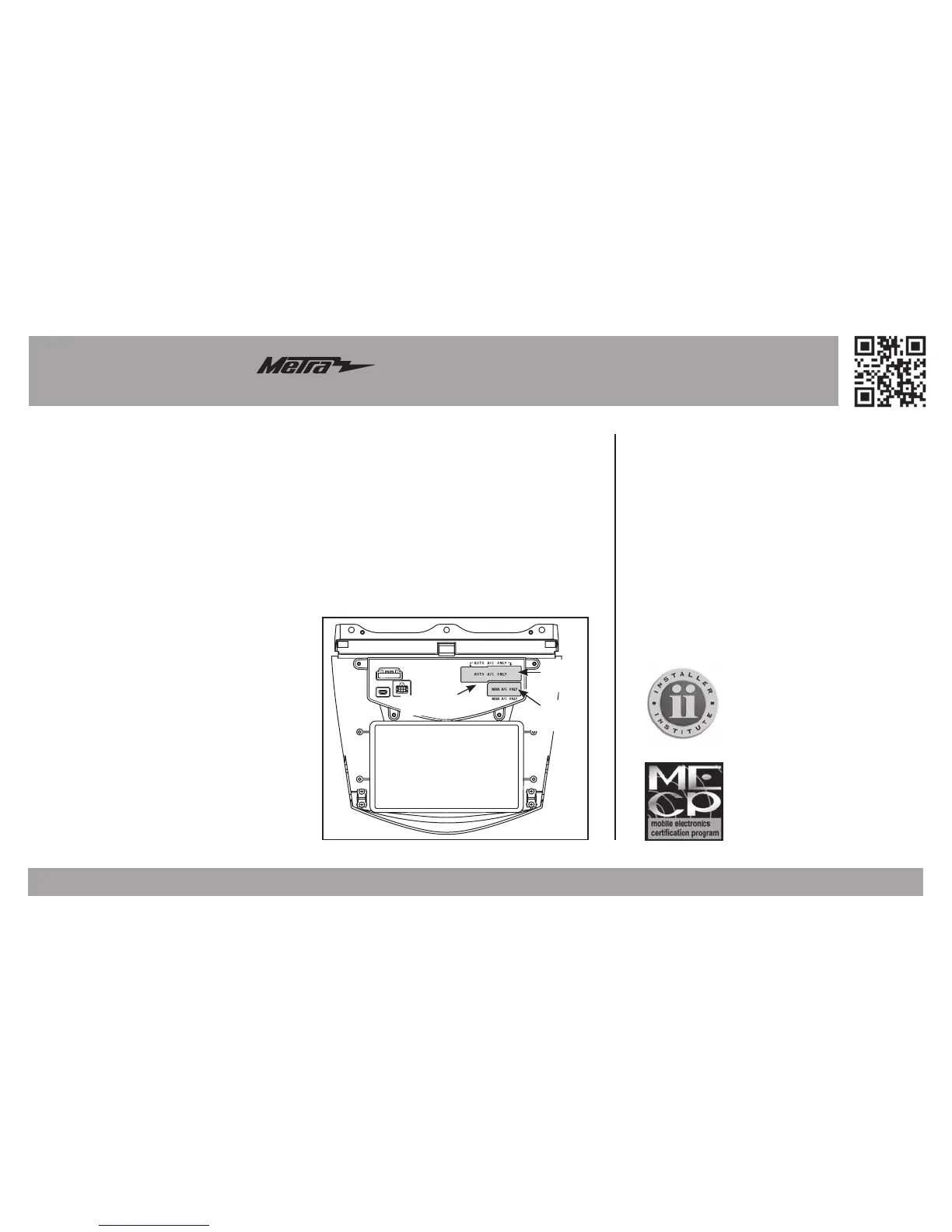
AUTO
A/C ONLY
(2 green plugs)
MANUAL
A/C ONLY
(1 green plug)
Climate control
plug covers



 To Next Page