99-7860 KIT ASSEMBLY
A
B
C
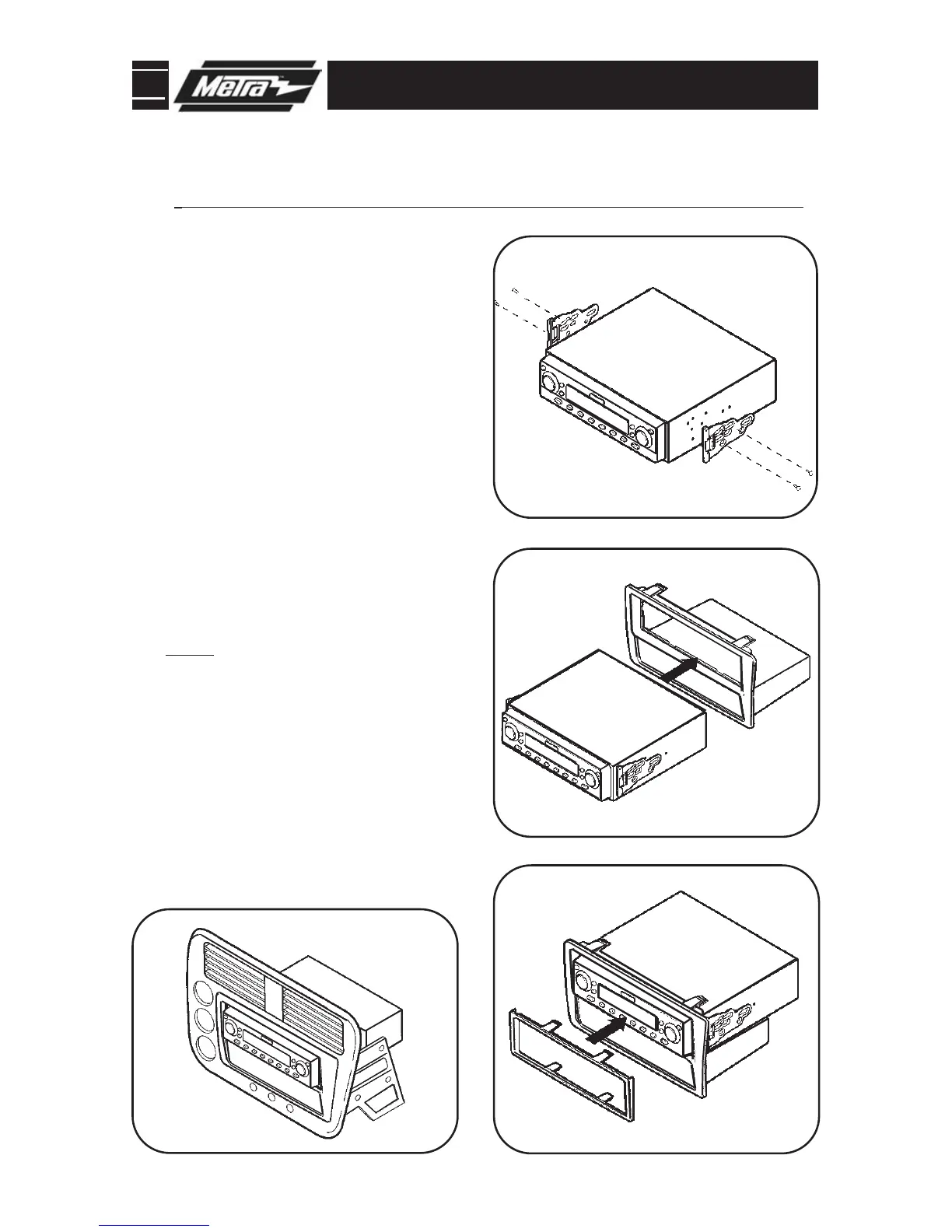
Align the holes in the ISO Snap-In
Backets with the holes in the head
unit and mount the brackets to the
head unit with the screws supplied
with the unit.
(Figure A)
1
Slide the head unit/bracket assembly
into the radio opening until the side
clips engage.
(Figure B)
2
Snap the ISO trimplate over the head
unit.
(Figure C)
3
Snap the housing assembly into the
dash trim bezel.
(Figure C)
4
*
Note: Refer also to the instructions included with the aftermarket radio.
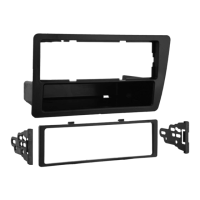
ISO DIN HEAD UNIT PROVISION WITH POCKET
NOTE: To remove the mounted head
unit, unclip and remove the ISO
Trimplate. Using a small flat blade
screwdriver, disengage the side clips
securing the ISO Snap In Brackets to
the housing/pocket assembly.
Continue to final assembly.
Assembled kit.



 To Next Page