■■■■■■■■■■■■■■■■■■■■■■
4 Installation
930 Compact IC Flex ChS/PP/Deg (2.930.1360)
■■■■■■■■
29
4.16 Connecting the instrument to a computer
NOTE
If the instrument is connected to the computer, then it must be
switched off.
Accessories For this step, you need the following accessories:
■ USB connection cable (6.2151.020) from the accessory kit: Vario/Flex
Basic (6.5000.000)
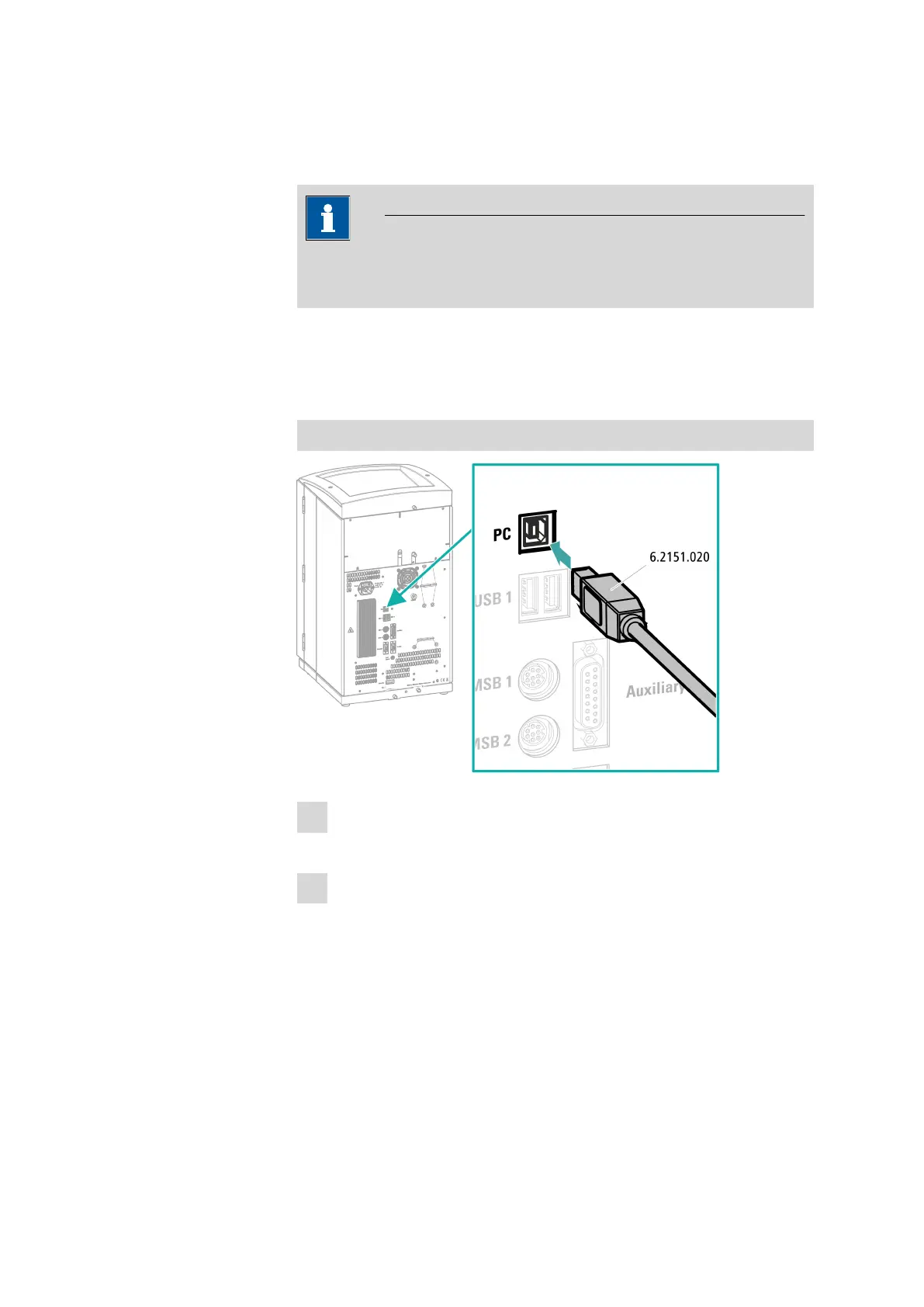
Connecting the USB cable
1
Insert the USB cable into the computer connection socket on the rear
of the instrument.
2
Insert the other end into a USB port on the computer.















 To Next Page