Insert a new module for the Multi Autolab Cabinet
Figure 3 – Open the cabinet by sliding the cover of the cabinet
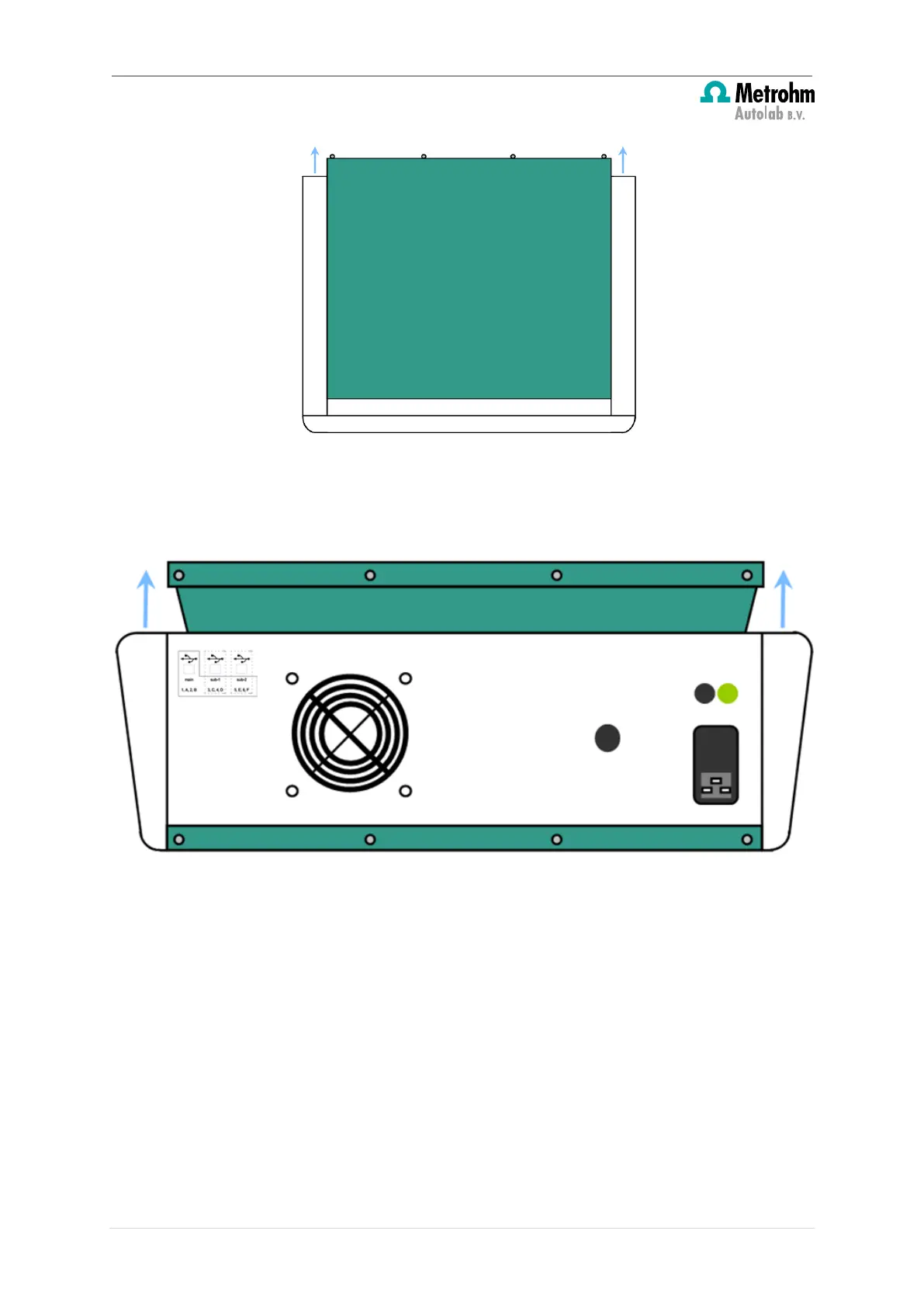
4. Lift the top cover and remove it from the instrument and disconnect the earth cable
(see Figure 4).
Figure 4 – Lift the cover
Follow these steps to remove the front panel:
1. Unscrew the four screws, indicated in Figure 5, holding the front panel to the frame
from the mounting tabs.
6 | Page


 To Next Page
 Loading...