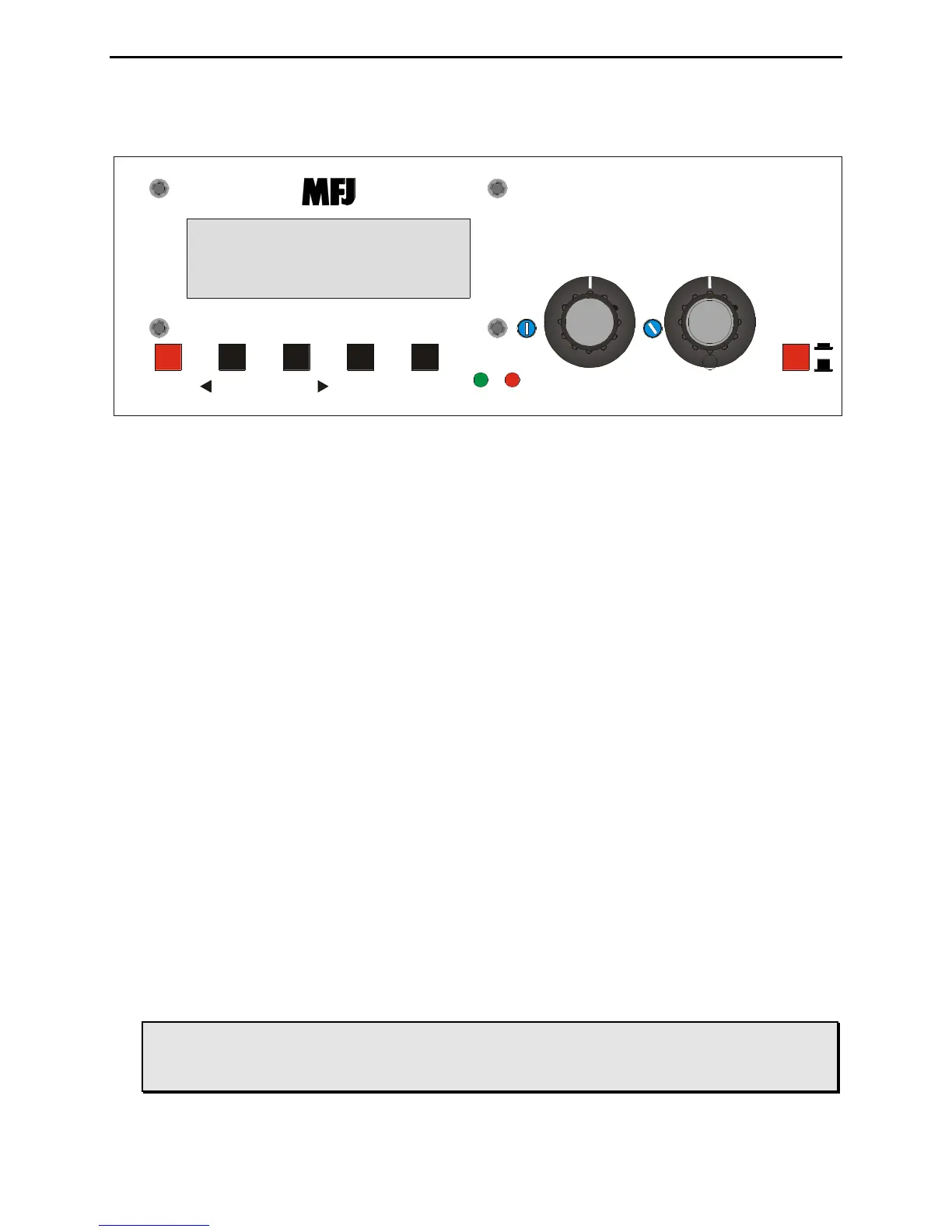
Figure 1: MFJ-464 Front Panel.
• LCD Display: A 2-line by 16-character alphanumeric display. It displays the keyer’s
various menus and the code being sent and received. Normally, the top line shows the
transmitted characters and the bottom line shows the received characters. The bottom line
can be toggle to show the keyboard type-ahead buffer.
• Mode Button: The Mode button is time-sensitive and uses to navigate through the various
menus and to enter or exit the setup menus.
• Message Buttons: The Message buttons MSG1 to MSG4 are used to program and playback
the four message memories. They also use to navigate through the setup menus. These
buttons are time-sensitive.
• Lock LED: The Lock LED blinks in sync with the incoming Morse code message.
• PWR LED: The PWR LED illuminates when the power to the unit is on. It also blinks
when the keyer is in message program mode and command mode.
• Level Control: The Level control adjusts the input level.
• Volume Control: The Volume control adjusts the sidetone audio volume to the internal
speaker and Audio Out jack. Turn the control clockwise to increase the volume and counter-
clockwise to decrease the volume.
• Tone Control: The Tone control adjusts the tone frequency. It is factory set to 700 Hz.
• Set Dial Control: The Set dial control adjusts the keyer setting for the active mode. Turn
the control clockwise to increase setting and counter-clockwise to decrease setting.
• Power Button: The Power button turns the unit on and off. Press to turn power on; press
again to turn power off.
WARNING: Do not turn the power on and off rapidly, otherwise the memory (keyer
settings) would be corrupted and the unit will have to reset to factory
defaults to function properly.



 To Next Page