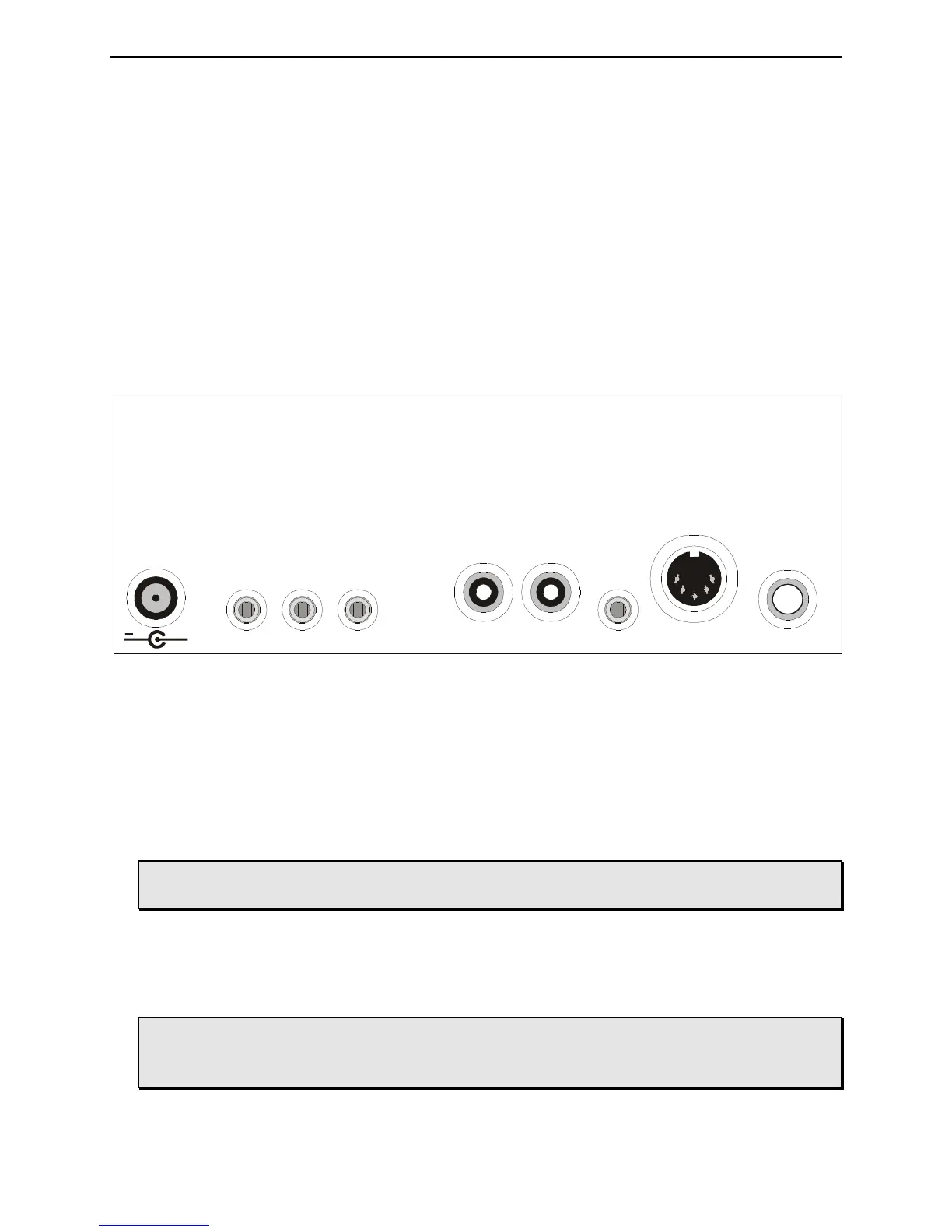
Figure 2: MFJ-464 Back Panel.
• Power: The Power jack accepts a 2.1 mm coaxial plug with positive center and negative
sleeve. This unit requires 12 volts DC. An optional 500 mA power supply, the MFJ-1315, is
available from MFJ Enterprises, Inc. This unit requires a minimum of 50 mA at no volume
and without using a keyboard and a maximum of 300 mA at maximum volume into an 8-ohm
audio load with a typical keyboard. It may require more current depending on the keyboard
used; typical keyboard uses about 100 mA.
WARNING: Do not apply voltages greater that 18 volts to this unit, or permanent
damage to the unit may result.
• Side Tone: The Side Tone is a 3.5 mm stereo phone jack for connecting to an external
speaker or headphones. This jack accepts both stereo and mono plugs. When this jack is
used, the internal speaker is disabled. An optional external speaker, the MFJ-281, is
available from MFJ Enterprises, Inc.
WARNING: To prevent suffering hearing damage when using headphones, turn the
Volume control to minimum before putting on the headphones and then
slowly adjust for a comfortable volume.



 To Next Page