MFJ-464 Instruction Manual CW Keyer/Reader
5
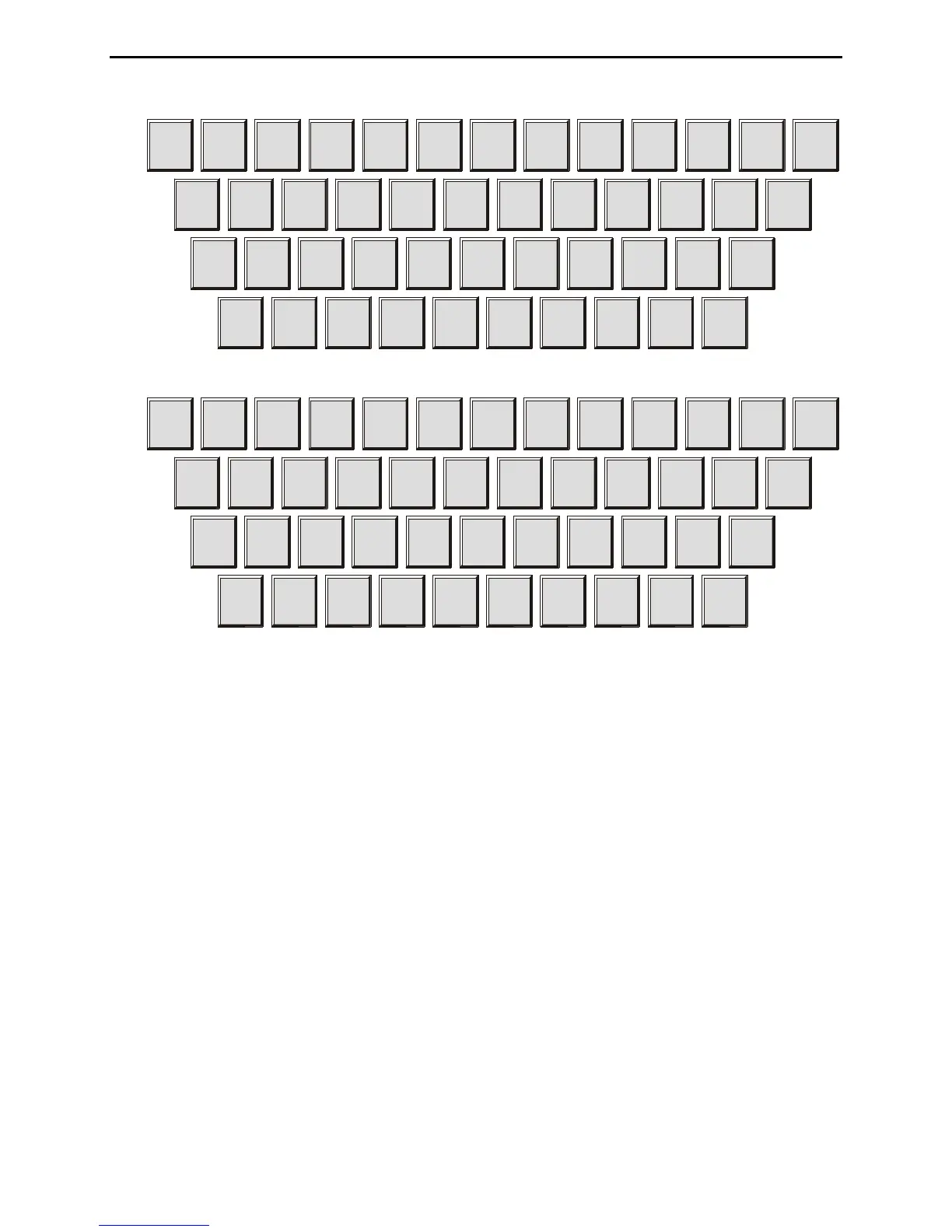
Figure 3: Qwerty Keyboard Layout.
Figure 4: Dvorak Keyboard Layout.
Connecting to a Computer
You may connect the MFJ-464 to a computer using the 9-pin DIN serial port on the back panel.
If your computer has a 25-pin serial port, you can use a 25-pin-to-9-pin adapter.
To use a computer with the MFJ-464, run a terminal program that will upload and download
ASCII files, and configure the terminal program to do so. Set the terminal program for 9600
baud, 8 data bits, one stop bit and no parity; set the flow control to Xon/Xoff. If you see
extraneous linefeeds on the computer screen when receiving data from the MFJ-464, you may
configure your software to strip out these extra linefeeds.
During sending, the characters sent by the MFJ-464 are sent through the serial port, so you may
use your computer to monitor the transmitted copy. You may find this particularly convenient.
You also may upload and download text files between the MFJ-464 and your computer. For
details on this, see the discussion of “Uploading and Downloading Messages” on page 33.



 To Next Page