MFJ-464 Instruction Manual CW Keyer/Reader
4
• Radio Spkr: The Radio Spkr is a 3.5 mm stereo phone jack for connecting to an external
speaker. This jack is normally a bypass of the Radio In jack. This jack accepts both stereo
and mono plugs.
• Radio In: The Radio In is a 3.5 mm stereo phone jack for connecting to the radio’s
headphones or line out. This jack accepts both stereo and mono plugs, but only the tip of the
plug is used.
• PTT Output: The PTT Output is an RCA jack providing connection for a PTT (push-to-
talk) output that goes low when active. This jack is an open-drain output; an external pull-up
can be used if so desired. Use a quality-shielded cable for connection to this jack.
• Keying Output: This unit supports only positive keyed radios (most solid-state radios). Use
a quality-shielded cable for connection to this RCA jack. Consult your transmitter's manual
to determine if it uses direct (positive) or grid-block (negative) keying. If your radio is
negative keyed, the transmitter will either not key at all or key continuously.
• Serial Port: The serial port on the back of the unit accepts a 3.5 mm stereo phone plug to a
standard 9-pin female plug for connecting the MFJ-464 to a computer for ASCII file transfers
or monitoring your sending on the computer screen. A 3.5 mm to DB9 serial cable, the MFJ-
5161, is available from MFJ Enterprises, Inc. If your computer has a 25-pin serial port, use a
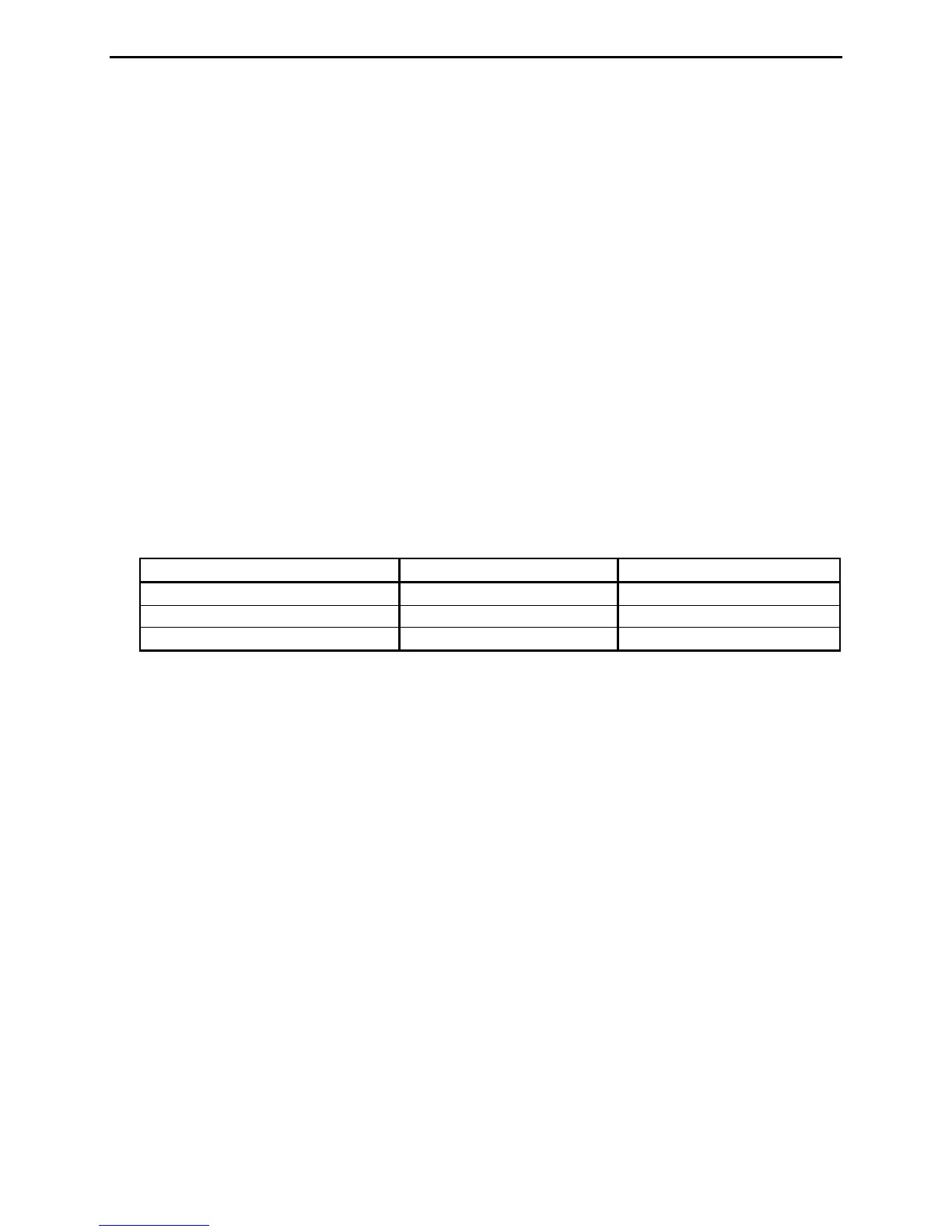
9-pin-to-25-pin adapter. If you prefer you can make this cable using the following table:
To communicate with the MFJ-464, use a terminal program on your computer that is capable
of transferring information in ASCII format. Configure the software for 9600 baud, 8 data
bits, 1 stop bit and no parity; set the flow control to Xon/Xoff.
• Keyboard: The keyboard port accepts most standard AT style keyboards (XT keyboard
does not work with the MFJ-464). The MFJ-551 keyboard is guaranteed to be fully
compatible with the keyer and available from MFJ Enterprises, Inc.
Configuration of the keyboard operation is set in the Quick mode (see page 19). It allows
selection of whether a Qwerty or Dvorak keyboard is used (see Figures 3 and 4). The Repeat
feature selects whether or not to repeat a key when it is held down. The Caps Lock power on
status can also be selected. The factory defaults are Qwerty keyboard, Repeat off and Caps
Lock on.
• Key Input: The Key Input jack is a _-inch stereo phone jack. An iambic or single lever
(dual contact) paddle with a shielded cable should be used. When used with paddles, the dot
wire should be connected to the tip of the plug, the dash wire to the ring, and the ground wire
to the shield.



 To Next Page