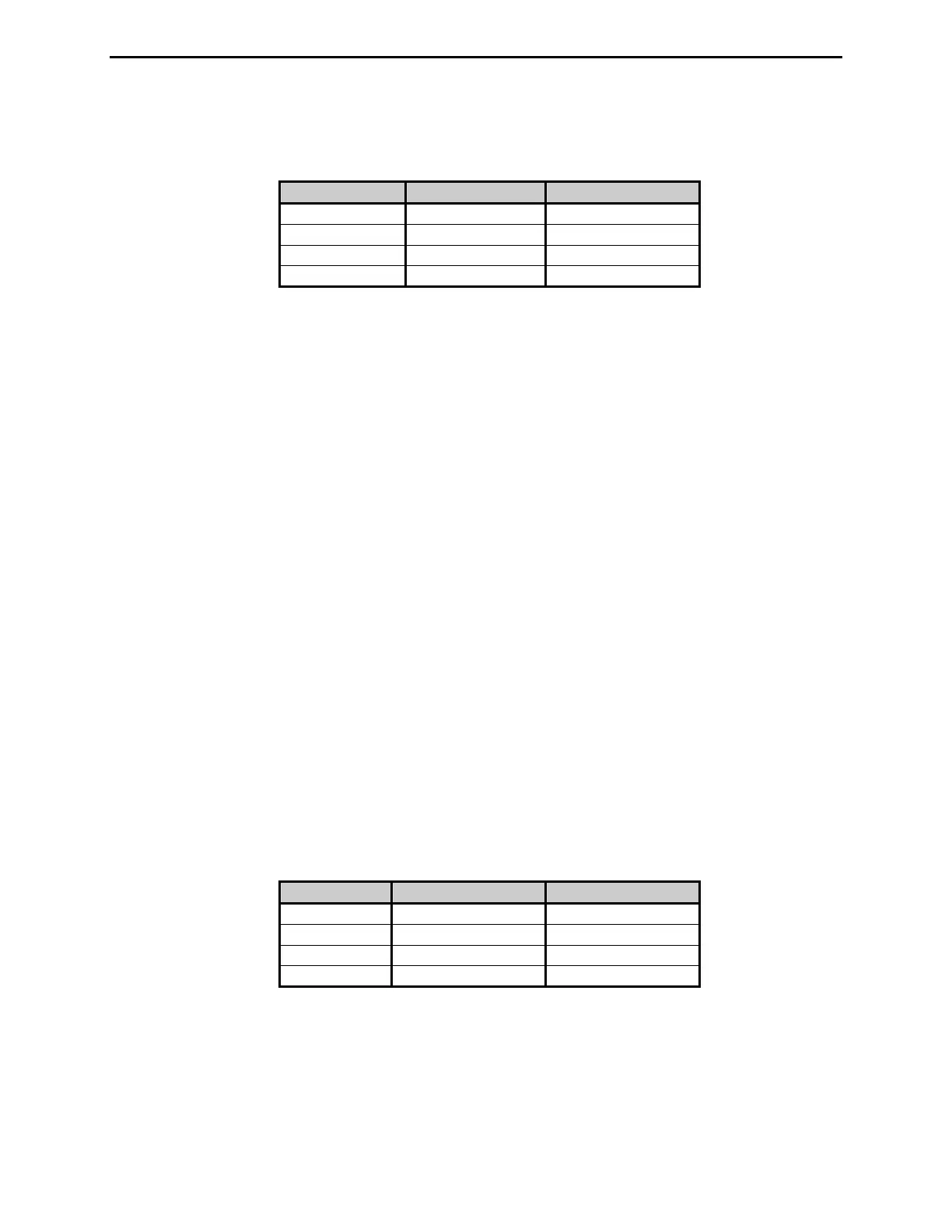
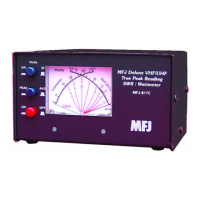
MFJ-869 MFJ Giant automatic SWR/Wattmeter Instruction Manual
© 2009-2010 MFJ Enterprises, Inc.
4
Press both [MODE] and [PEAK] buttons simultaneously to show the current power meter range
setting, and then hold or press again within half a second to cycle the meter range setting. Default is
Auto Ranging.
Meter Range LEDs Number of Beeps
Low 20 1
Mid 200 2
High 2K 3
Auto 20 + 200 + 2K 4
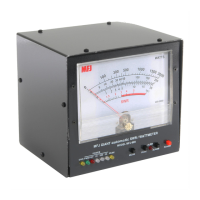
• Wattmeter Zero Scale Adjustment: A trimmer located below the wattmeter to calibrate the zero
scale of the meter needle. There is a trimpot inside the unit for full-scale adjustment. See “Wattmeter
Calibration” section for the calibration procedure.
• SWR LED: Illuminates when the SWR mode is selected.
• FWD LED: Illuminates when the forward power mode is selected.
• REF LED: Illuminates when the reflected power mode is selected.
• 20 LED: Illuminates when the power scale is 0 to 20 watts (red for forward power or green for
reflected power).
• 200 LED: Illuminates when the power scale is 0 to 200 watts (red for forward power or green for
reflected power).
• 2K LED: Illuminates when the power scale is 0 to 2000 watts (red for forward power or green for
reflected power).
• PEAK LED: Illuminates when the peak power mode is selected.
• MODE Button: Used to cycle through the SWR, forward power, and reflected power mode. The
selected mode is indicated by the SWR, FWD, and REF LEDs.
• PEAK Button: Used to select peak or average power mode. Peak envelope power (PEP) is
measured by selecting a peak mode with selectable peak hold time. Press [PEAK] button to show the
current power mode setting (only the PEAK LED illuminates when a peak mode is selected), and then
hold or press again within half a second to cycle the power mode setting. Default is Average mode.
Mode 2000 Meter Mark Number of Beeps
Peak 1 sec. 100 1
Peak 2 sec. 200 2
Peak 3 sec. 300 3
Average 2000 4
• ALRM LED: Illuminates when the SWR is greater than the selectable alarm SWR.


 To Next Page