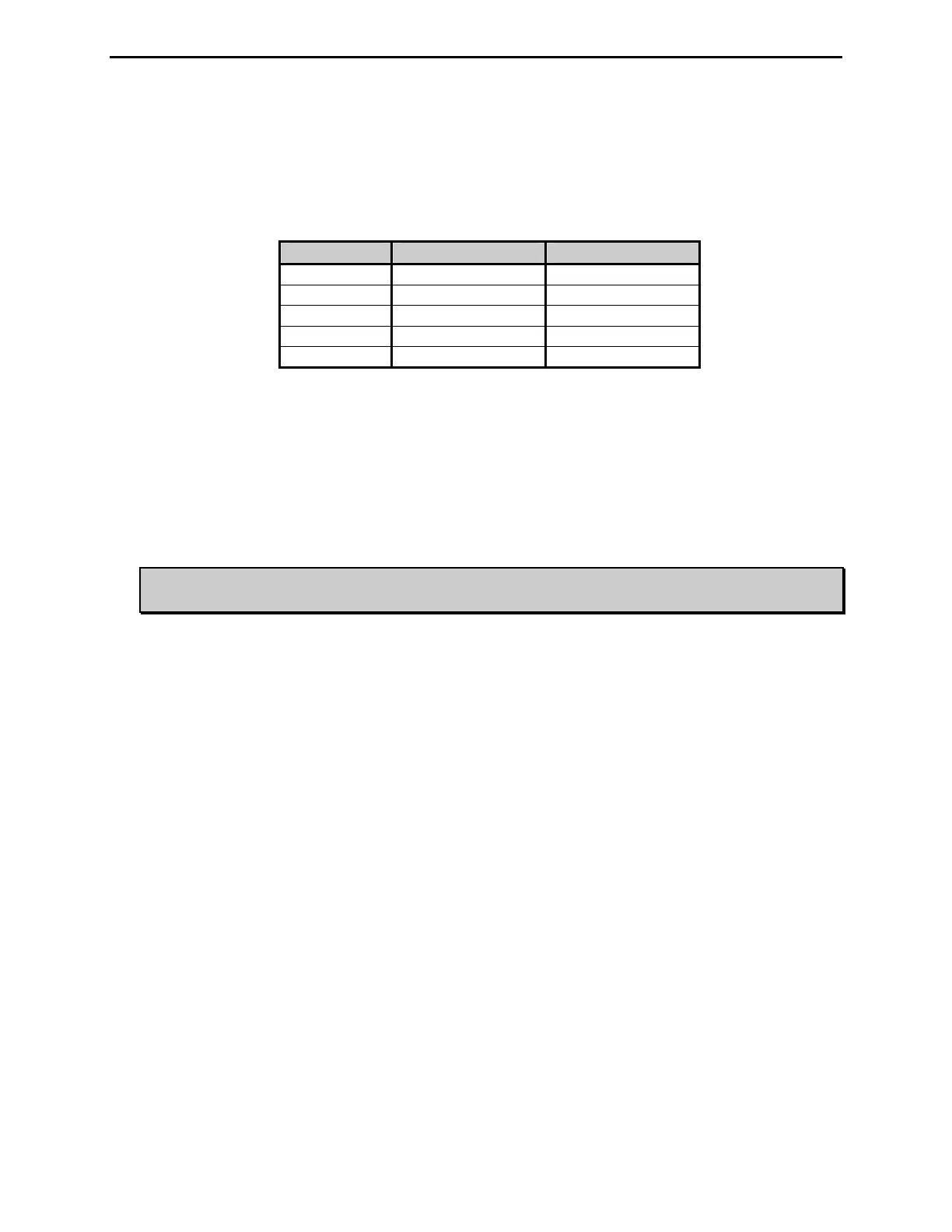
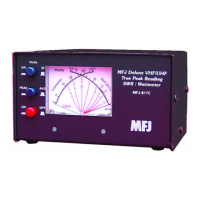
MFJ-869 MFJ Giant automatic SWR/Wattmeter Instruction Manual
© 2009-2010 MFJ Enterprises, Inc.
5
• ALARM Button: Used to toggle the alarm feature on and off and to set the alarm SWR from 1.5 to
3.0. When enabled, the ALRM LED will light and the buzzer will sound when the SWR is above the
alarm SWR. Also, the amplifier connected to the Amp Enable connection will bypass and the RLY
switch position will toggle when the SWR is above the alarm SWR. Press [ALARM] button to show
the current alarm SWR setting (only the SWR LED illuminates), and then hold or press again within
half a second to cycle the alarm SWR setting. Default is 3.0.
Alarm SWR Meter Mark Number of Beeps
SWR 1.5 1.5 1
SWR 2.0 2.0 2
SWR 2.5 2.5 3
SWR 3.0 3.0 4
OFF SET 5
Acknowledgement beep sounds each time a parameter is changed to acknowledge it. This also
controls the CW notification of “QRP”. If more than 1500 watts is applied to the unit, the unit will
send “QRP” (dah-dah-di-dah di-dah-dit di-dah-dah-dit) on CW. Press both [PEAK] and [ALARM]
buttons simultaneously to show the current beep setting, and then hold or press again within half a
second to toggle this setting on and off. Meter needle bounces to full scale to indicate ON or to 100-
watt mark to indicate OFF. Default is ON.
• POWER Button: Used to turn the unit on and off. Press to turn power on; press again to turn power
off.
WARNING: Do not turn the power on and off rapidly, otherwise the unit’s setting memory
can be corrupted and the unit will have to be reset to factory defaults.


 To Next Page