MGL Avionics Stratomaster Ultra “L” Owner’s manual
Page 23
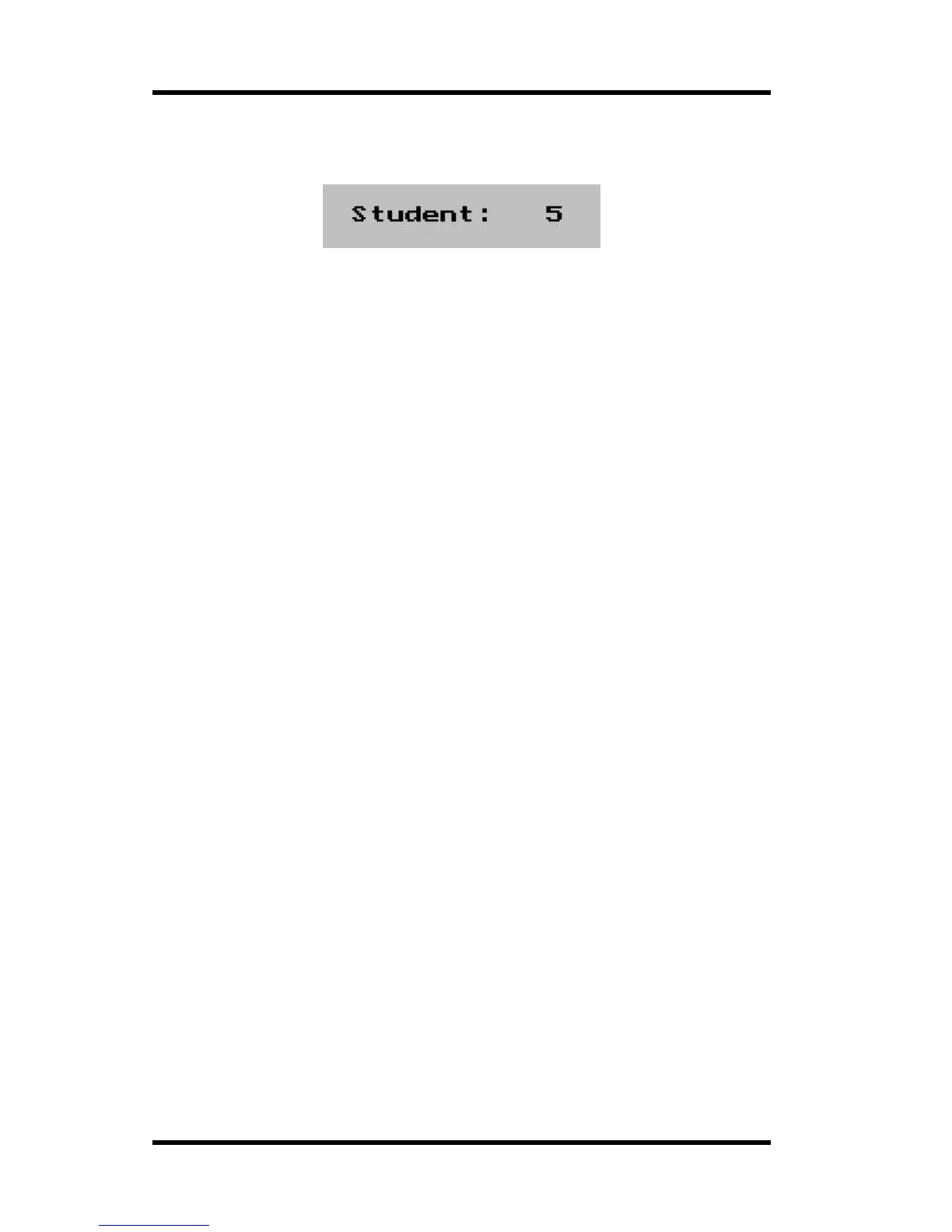
Finally press “Select” to end the lesson. The instrument will now ask you for a student
number to log the flight under.
Press plus or minus to change the number. Press Menu to store the log entry and exit.
(Note: Student number can be from 1 - 250. Should you not wish to enter a student number
press select without a number being entered).
Student numbers are relevant for the lesson accounting software available for the
Stratomaster Ultra. Should you not enter a student number, the lesson is deemed not
chargeable to a student. You might use this to log demonstration or check flights etc.
LESSON TIMER MODE
This function allows instructors to determine the starting point of a lesson e.g. the start up of
the engine or the take-off.
Should an instructor prefers the starting point of a lesson to be the start up of the engine then
hobbs revs should be selected. If an instructor prefers the starting point of a lesson to be the
take-off then take-off revs should be selected. In this case a lesson would typically start with
the engine run up. (Refer lesson start page 50).



 To Next Page