MGL Avionics Stratomaster Ultra “L” Owner’s manual
Page 39
User menu
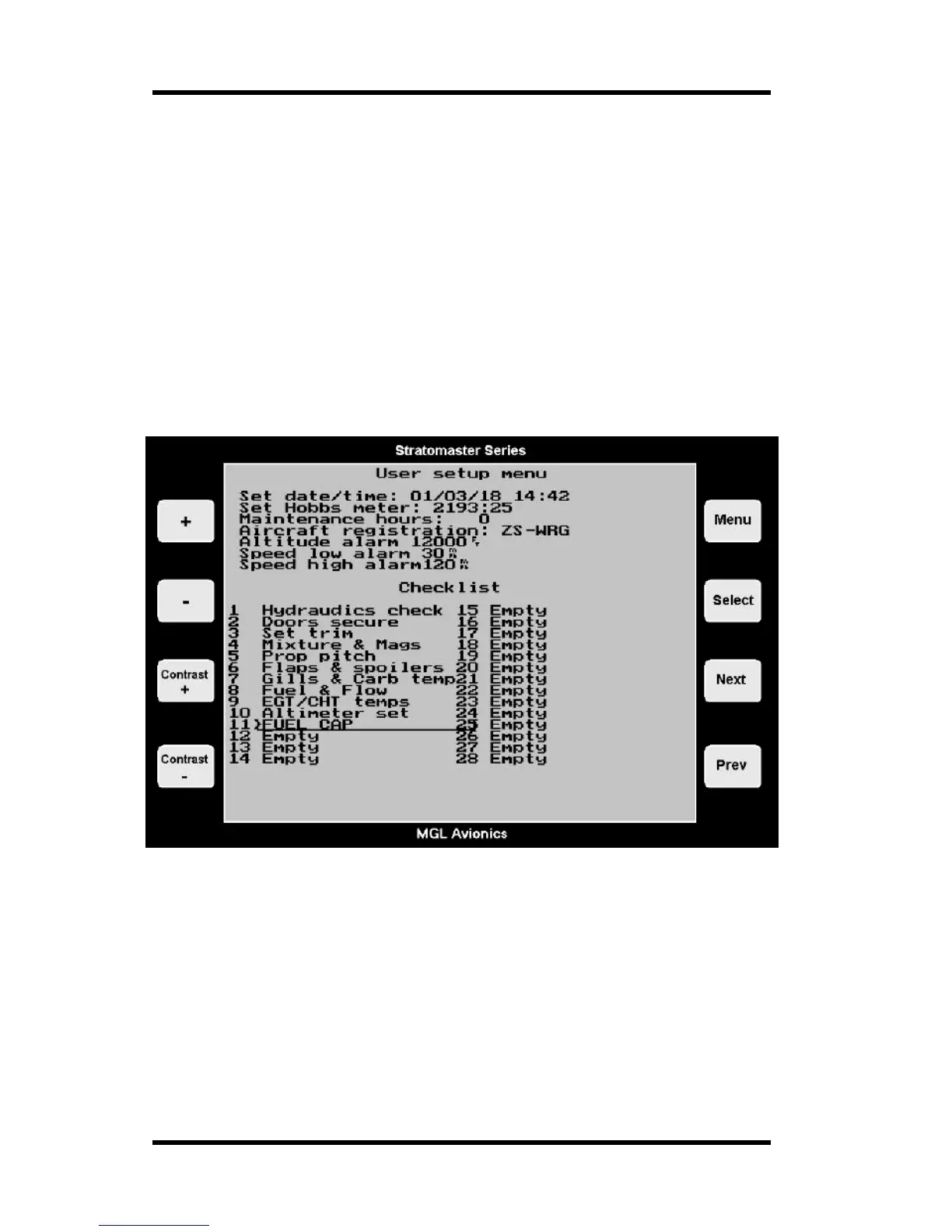
The following items are setup under the user menu:
a) Date and time for the built in clock
b) Hobbs meter pre-set
c) Maintenance meter
d) Aircraft registration number
e) Altitude alarm
f) Speed low alarm
g) Speed high alarm
h) Setup of the pre-takeoff checklist
There are two ways of entering this menu. You can from the main display press and hold the
menu key, then press “+”.
Alternatively, enter the main menu as usual and select the “User setup menu”.
Date and time
Date and time is used for your flight or lesson log. Time of day is a display available both
during flight and on the ground. Please note: The year is never stored in the log. The only
reason for entering the year is to be able to correct for leap years. The internal real-time clock
contains a year based counter that can count from 0 to 3 for leap year correction.
Use Next/Prev to select the item and then use +/- to change it.
(Nb: The Stratomaster Ultra uses a 24-hour clock)



 To Next Page