MC-20
User Manual / Setup Process Procedures
10/37
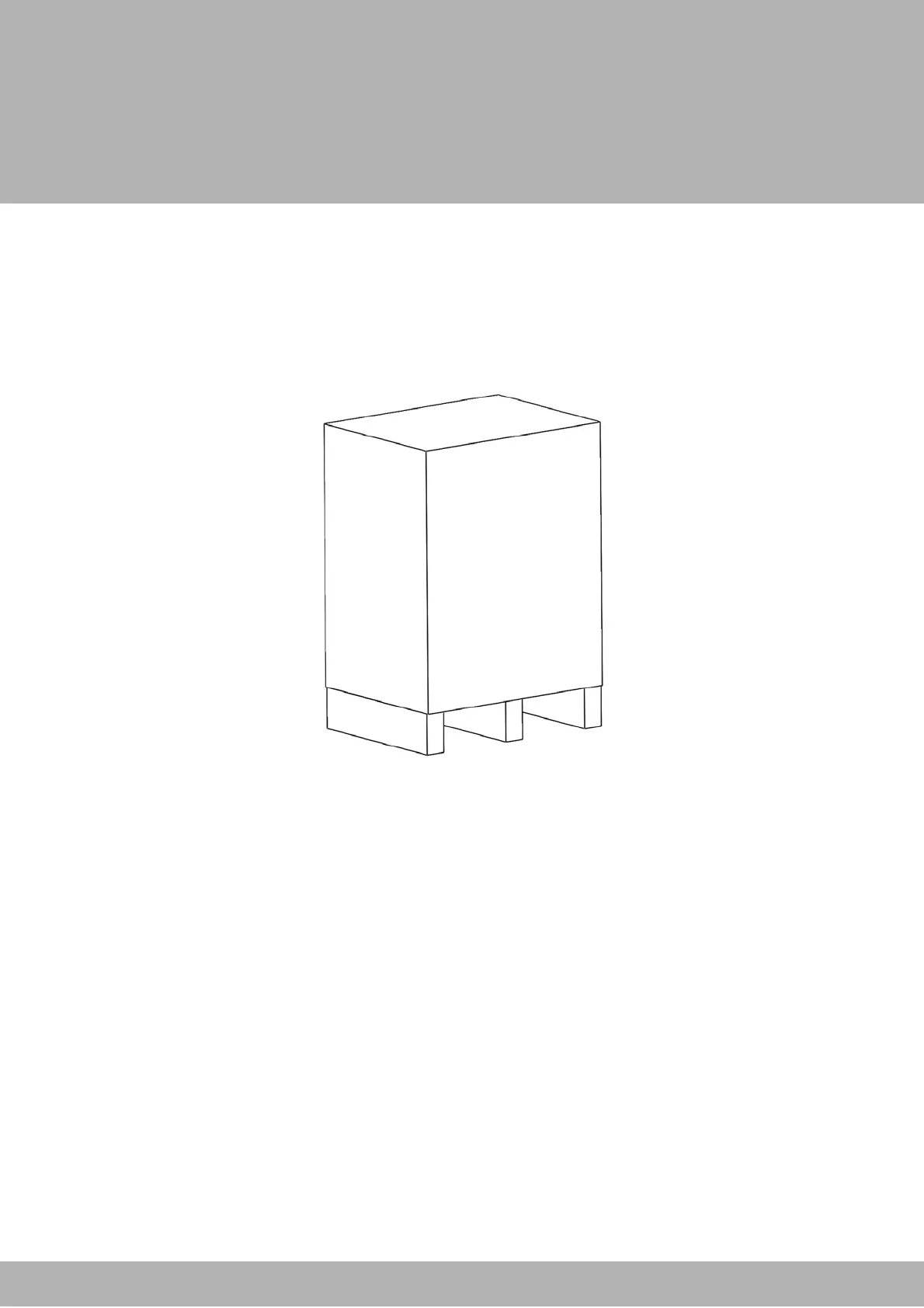
1. The box containing the MC-20 must first have the protective cover removed.
1.1 Unscrew all the screws that border the bottom of the box.
1.2 Carefully lift the cover up and off of the machine.
1.3 The box should contain the following
i. MC-20 fastener attaching machine (1)
ii. Red bins (2)
iii. A box containing
1. Foot pedal (1)
2. Spacer bar (1)
3. Pneumatic hose (1)
4. Electrical cable (1)
2. Place the bins and the small box to the side.
Unboxing the MC-20


 To Next Page