MC-20
User Manual / Fuse System
26/37
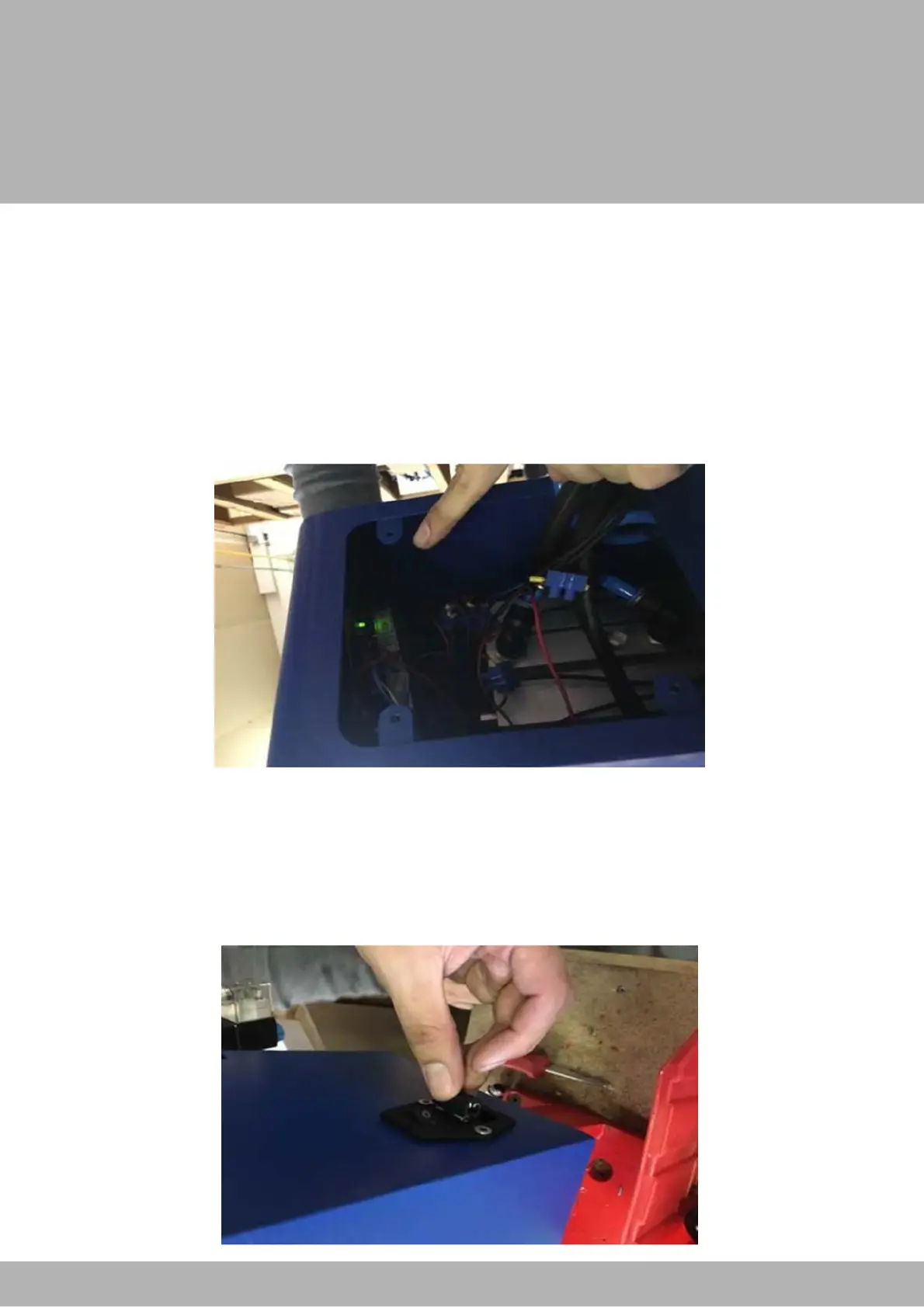
The machine’s fuse can be found at the back of the machine near the socket for the
electrical cord. To check to see if the is power going into the machine. Remove the
back plate, plug in the machine and if you peer inside you should see a green LED light.
Take a look at the image below.
Fuse System
If this light is not there, then the fuse may be blown. The machine comes with a spare
fuse so you can change it. Simply remove the power cord, use a flat head screwdriver
to pull out the fuse. Please be careful because the first fuse is not secured with anything.
The second fuse is secured to the piece that holds the first fuse. Please use the pasted
images as a guide.


 To Next Page