MC-20
User Manual / Installing Dies and Adapters with Dies
20/37
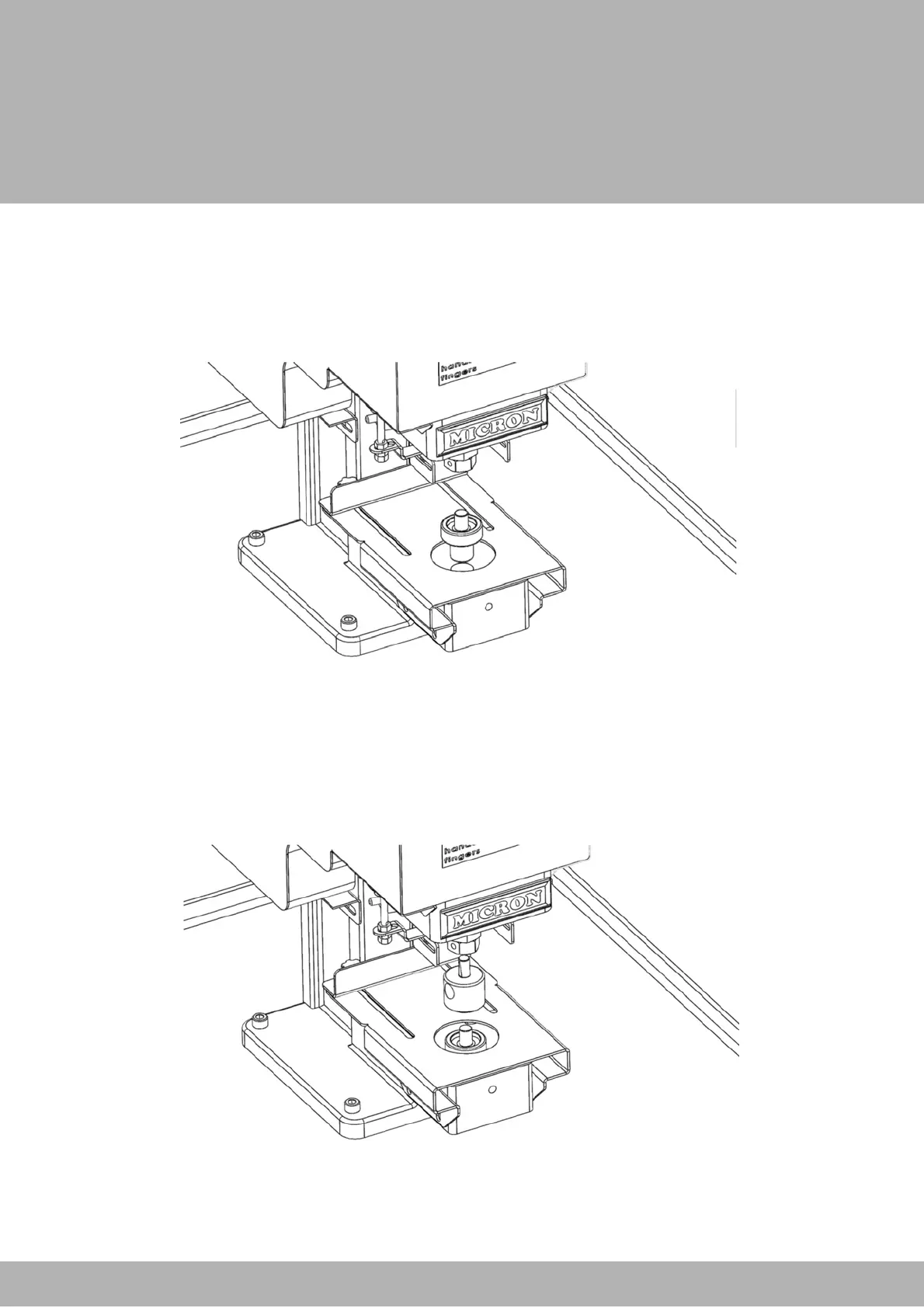
1. Slide the bottom die into the bottom slot of the machine. If your bottom die has a
flat portion on it, ensure that this side is facing the tension screw.
2. Secure the bottom die into place by tightening the tension screw.
Installing Dies without Adapters


 To Next Page