MC-20
User Manual / Setup Process Procedures
33/37
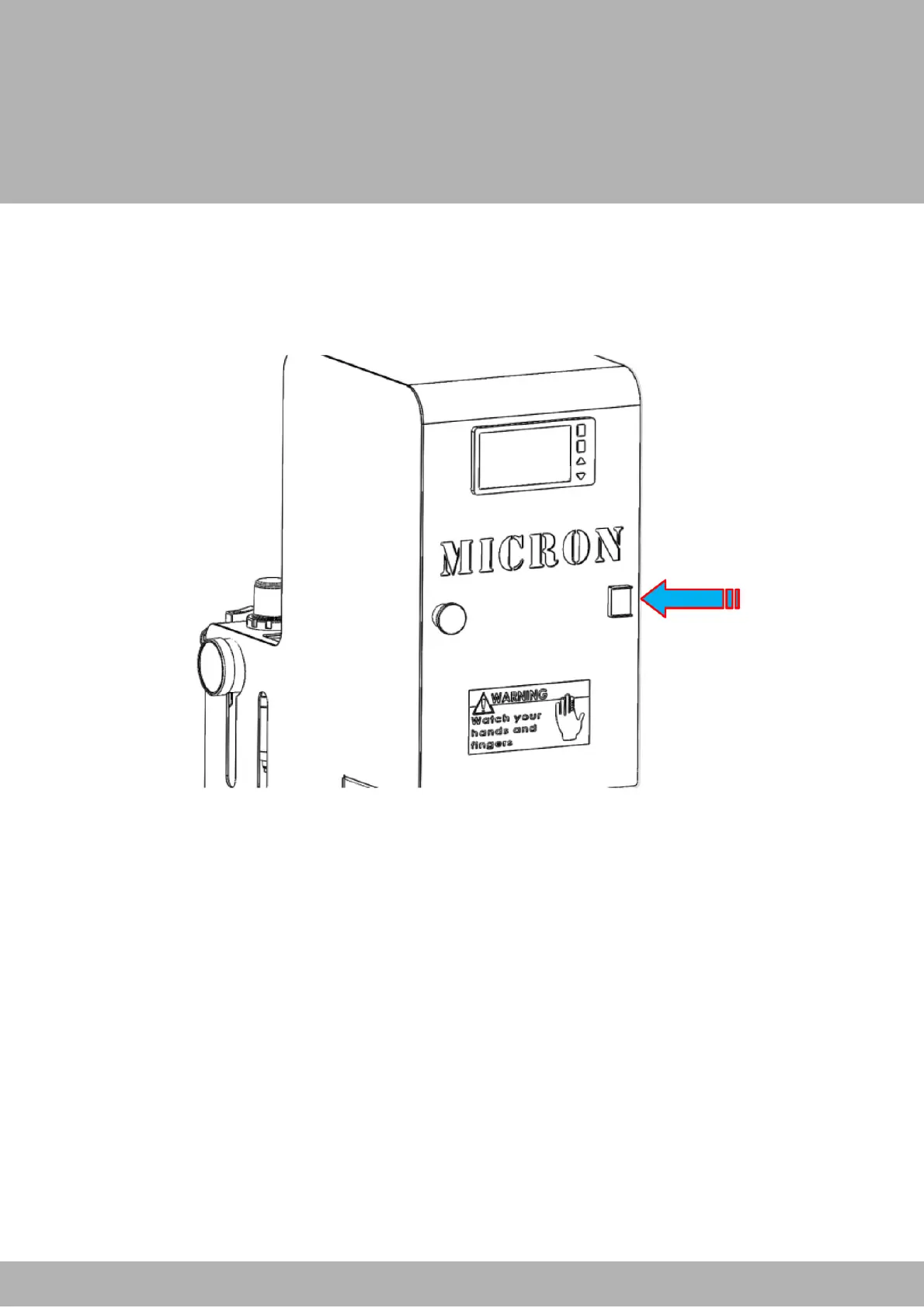
3- Turn the machine on.
4- Test the start button. If the machine does not fire the safety and main pistons, you
will need to check to see if any of the hoses on the inside are pinched. Remove the
back plate by unscrewing the four bolts that secure it to the body of the machine.
Take a look into the cavity and look for any hoses that have been pinched, preventing
air from passing through. Correct them and then test the start button again.


 To Next Page