Applications
Introduction
1
MicroHAWK MV-20 / MV-30 / MV-40 Smart Camera Guide 1-3
Applications
• Inspection
• Guidance
• Gauging
• Part presence/absence
• Color detection and matching
• Medical device inspection
• Fiducial location
• Part location/orientation detection
• Packaging
• Robotics
• Auto ID (Data Matrix and other 2D symbologies, 1D, OCR)
• 1D and 2D Code Verification
• OCV (Optical Character Verification)
Package Contents
Before you install AutoVISION software and connect your MicroHAWK MV-20, MV-30, or
MV-40, please take a moment to confirm that the following items are available:
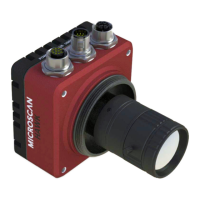
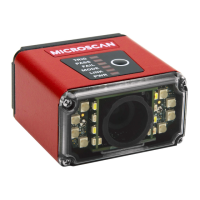
• A MicroHAWK MV-20, MV-30, or MV-40 Smart Camera.
• An active internet connection to download the latest AutoVISION software installer
from the Download Center on the Microscan website or
a USB drive containing the
latest AutoVISION software installer.
• A Micro-USB Type B-to-USB Type A cable (not included).


 To Next Page