Get started
Take care of the basics, and have your phone up and running in no time.
Turn the phone on
Turn your phone on, and start exploring it.
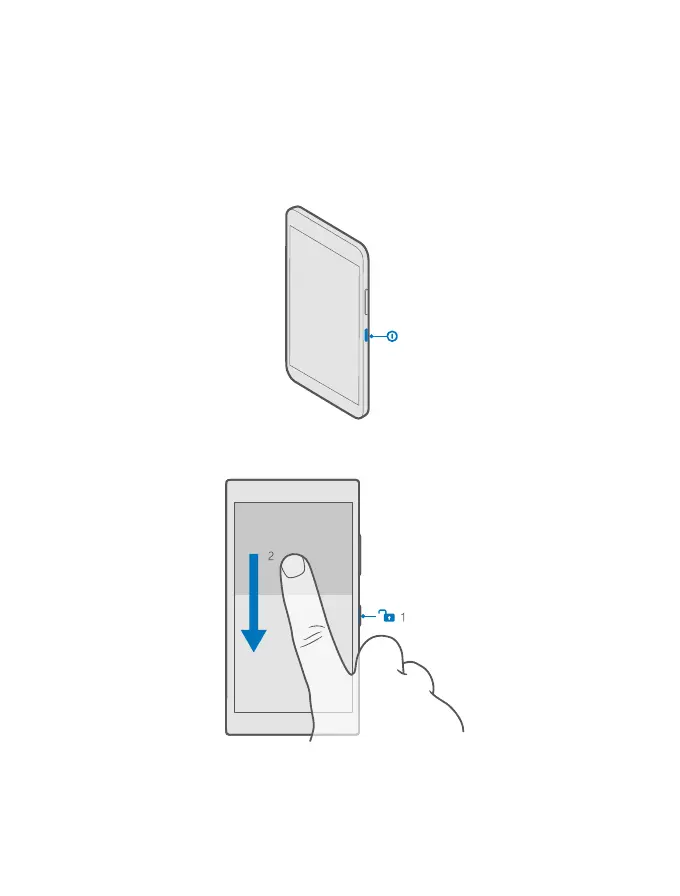
Press the power key until the phone vibrates.
Turn the phone off
Press and hold the power key, and drag the lock screen down.
© 2015 Microsoft Mobile. All rights reserved.
6














 To Next Page