Browse your SIM apps
If your service provider has included apps on your SIM card, here's how to find them.
1. Swipe down from the top of the screen, and tap All settings > Network &
wireless > Cellular & SIM.
2. Under the SIM, tap SIM settings. Or if you have a dual SIM phone, tap SIM 1 settings or
SIM 2 settings.
3. Tap SIM applications.
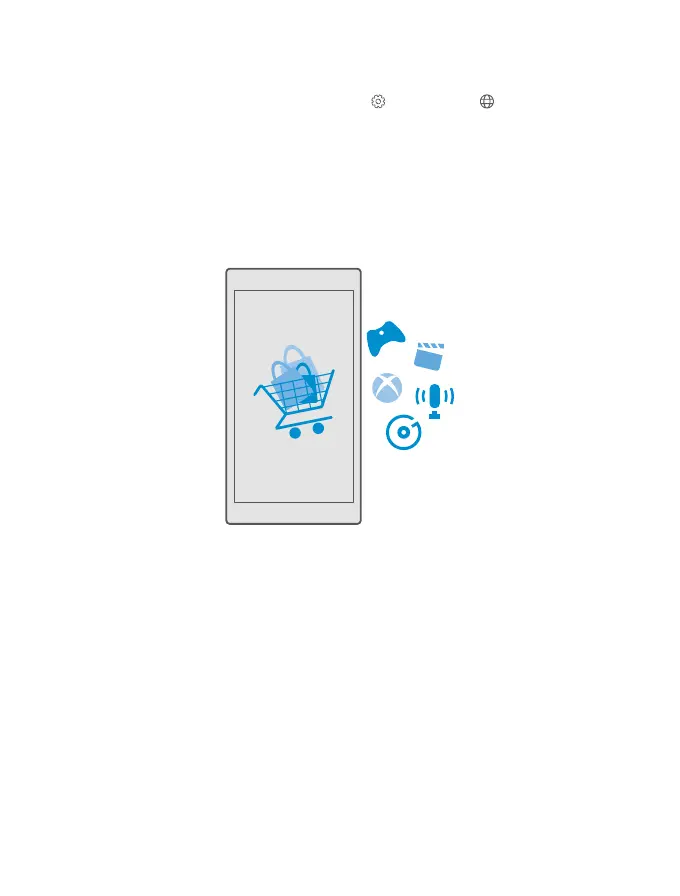
Store
Make your phone your own with more apps, games, and other items, some of which are free
of charge. Browse Store to find the latest content for you and your phone.
You can download:
• Apps
• Games
• Entertainment apps and services
• News apps and services
• Music
• Movies
• TV shows
• Books
You can also:
• Get content that is relevant to your tastes and location
• Share recommendations with your friends
© 2015 Microsoft Mobile. All rights reserved.
59














 To Next Page