How to request a repair (1): Online
We are now accepting repair requests for tablets and other
devices online. Please take advantage of our online reception
desk.
https://jlw-bpo.jp/entry/Sky-repair-kojin.html
◼ There are two steps to fill in, so please take the time to do
so.
◼ If you wish to make a repair request using this online form,
please read and agree to all terms and conditions of the
repair request.
How to access (1)
From a computer, directly enter the web address
below.
* Depending on the model, you may not be able to
complete your repair request on a smartphone, so please
make your request from a computer screen.
How to access (2)
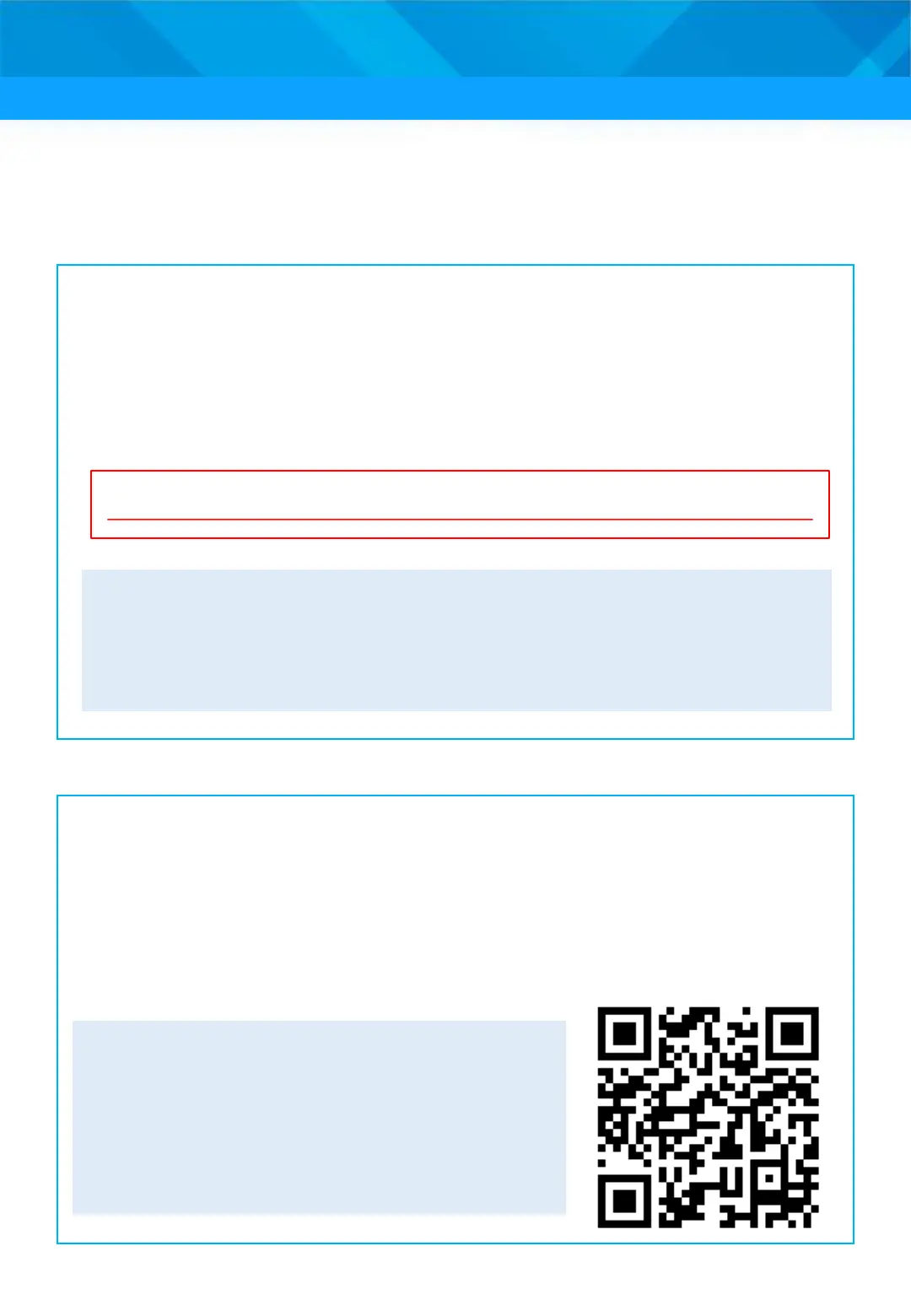
If you do not have a computer, please submit a repair request
from a smartphone via the website to which you can connect
using the QR code below. If you are unable to make a repair
request, please call the Repair Desk and Support Center
described on the next page.
◼ There are two steps to fill in, so
please take the time to do so.
◼ If you wish to make a repair request
using this online form, please read
and agree to all terms and conditions
of the repair request.
68











 To Next Page