X III Series User Manual
3.2 Changing The Transport Buttons Mode
When th
e screen display "SEL", follow these steps:
1. Press the key labeled "BTN MODE", the screen will display the currently selected mode,
2. Turn the X knob to select Mackie Control, HUI or CC mode (the screen will display "MCU", "hui" or "cC"),
3. Press the X knob to confirm, the screen will display you just selected mode,
Now you can press the other keys labeled functions to set other parameters, or long press the X knob to
exit the Setting Mode.
3.3 Changing The Keyboard Velocity Curve
When th
e screen display "SEL", follow these steps:
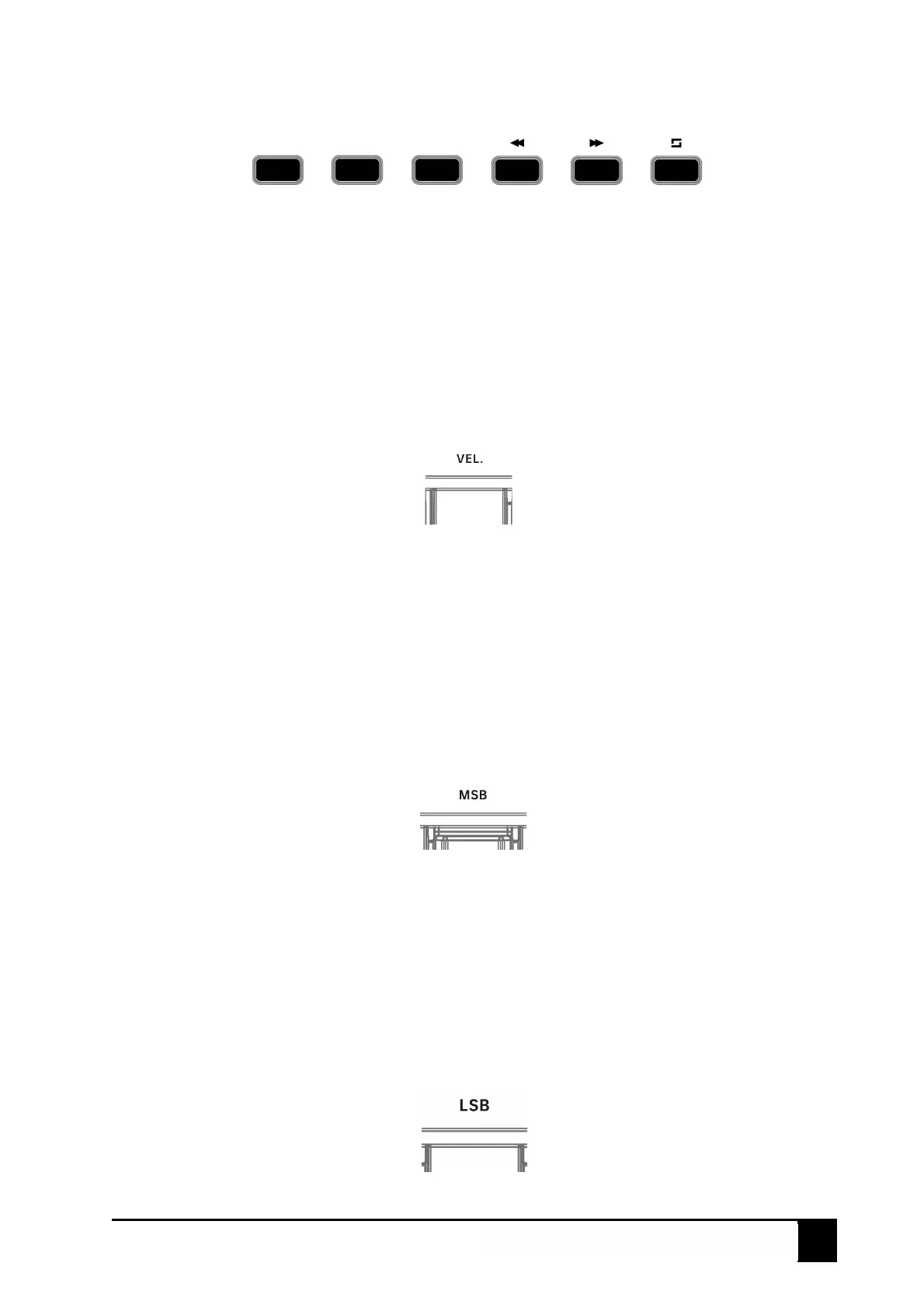
1. Press the key labeled "VEL.", the screen will display the currently selected velocity curve,
2. Turn the X knob to select Normal, Fixed, Light or Hard (the screen will display "nor", "fix", "lig" or
"har"),
3. Press the X knob to confirm, the screen will display you just selected velocity curve,
Now you can press the other keys labeled functions to set other parameters, or long press the X knob to
exit the Setting Mode.
3.4 Changing The Bank MSB
When the screen display "SEL", follow these steps:
1. Press the key labeled "MSB", the screen will display the currently value,
2. Turn the X knob to set the controller number between 0 and 127,
3. Press the X knob to confirm, the screen will display you just selected controller number,
Now you can press the other keys labeled functions to set other parameters, or long press the X knob to
exit the Setting Mode.
3.5 Changing The Bank LSB
When th
e screen display "SEL", follow these steps:
• ► ■
B1 B2
B3
B4 BS B6



 To Next Page
 Loading...