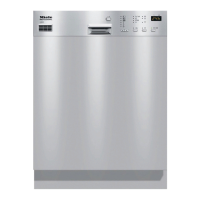
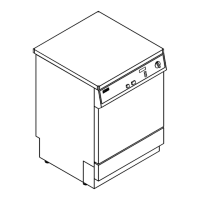
Accessing Programming level 2
^
Turn the machine off by pressing Z.
^
Press and hold the A and 6 button,
at the same time turn the machine
on with the main switch Y.
The display shows the current
program status P....
The p indicator lights.
^
Press the y button twice. The
display shows 2 (programming
level 2).
1.1 Setting the detergent dispensing
method
^
Press the z button once.
The display shows 2.01
^
Press A once. The display shows
either 0, 1, 2 or 3.
0 = powder detergent placed on the
inside of the door (G 8066)
1 = liquid detergent dispensed via the
built-in dispensing pump, Option 1
(G 8066 WES DOS)
2 = liquid detergent dispensed via an
external DOS Module, Option 2
(G 8066)
3 = liquid detergent dispensed via the
built-in dispensing pump connected to
an external container, Option 3
(G 8066 WES DOS)
^ Press the A button until the desired
option is displayed.
If you do not want to make any other
setting changes in this programming
level, proceed to step 1.4.
Programming special functions
35


 To Next Page