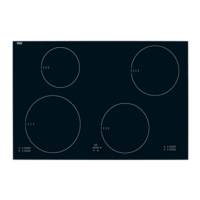
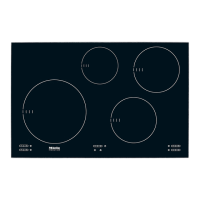
Turning on the cooktop
^
Touch the s On/Off cooktop touch
control.
A horizontal bar – will appear in each of
the burner displays and the On/Off
indicator will light. If no setting is
chosen within a few seconds the
cooktop will turn itself off as a safety
measure.
Turning on a burner
^
Touch the s On/Off touch control for
the desired burner.
The respective burner display shows 0.
^ Select a power level between 1 and 9
by pressing the - or + control.
When turning on the cooktop you can
decide whether you want to cook with
auto heat or not. See "Auto heat" for
more information.
Turn on with + to:
Cook without auto heat
Turn on with – to:
Cook with auto heat
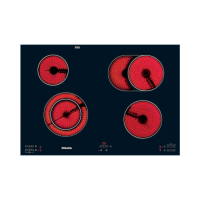
Turning on a variable or
extended burner
The second circle of a variable burner
or the extended burner can be turned
on to extend the cooking area for larger
pots and pans.
^
Turn the burner on.
^
Touch simultaneously the - and +
controls of the respective burner.
–
left controls, lower +/- for the g
variable burner
–
right controls, upper +/- for the C
variable burner
^ Select a power level.
The burner indicator will light to show
the second heating element.
To turn the extended heating element
off touch the - and + controls
simultaneously again.
Use
13


 To Next Page