Auto heat
When auto heat has been activated the
burner turns on automatically at the
highest setting and then changes to the
continued power level which was
selected. The heat-up time depends on
which continued power level has been
chosen (see table).
If a high continued power level was
selected, a shorter heat-up time is
necessary.
To activate auto heat
^ If 0 shows in the display, touch the -
until the desired continued power
level is displayed, e.g. 6.
During the heat up a dot lights next to
the power level number. When the heat
up time is complete the dot goes out.
The continued power level can be
increased or decreased during the heat
up phase with the -/+ controls. The heat
up time changes accordingly.
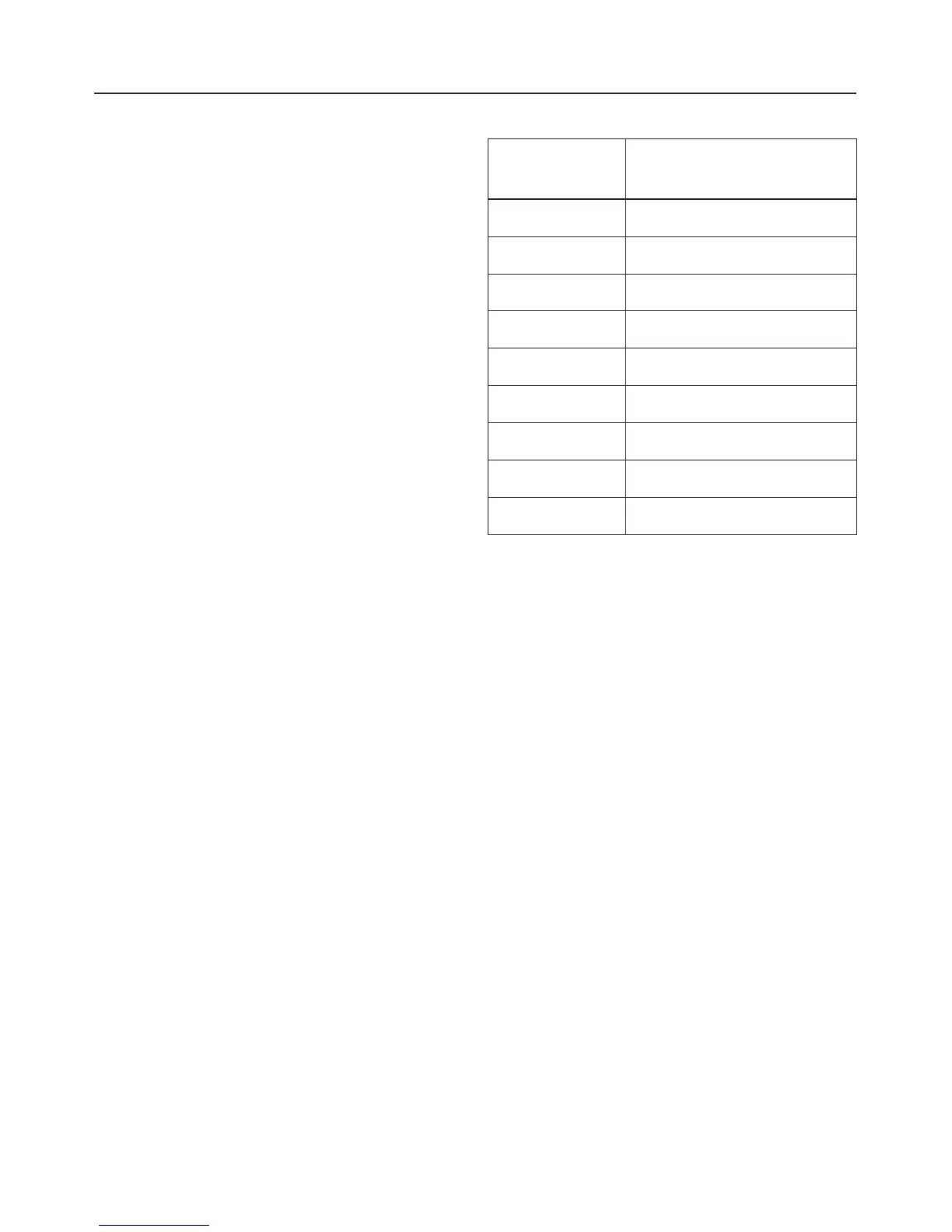
Power level Heat up time
(minutes : seconds)
1 1:20
2 2:45
3 4:05
4 5:30
5 6:50
6 1:20
7 2:45
8 2:45
9-
Use
15


 To Next Page