The cooktop has a timer which can be
used to:
–
time any activity in the kitchen.
–
automatically turn off one (any)
burner.
The functions above can also be used
simultaneously.
Quick Guide:
Turn on Touch m
Set with - set from 99
to 00 minutes
with + set from 00
to 99 minutes
Toggle between
the functions
Touch m
Reset back to 00 touch - and +
simultaneously
Setting the timer
The timer can be set with the cooktop
either turned on or off. It can be set
from 1 to 99 minutes.
^
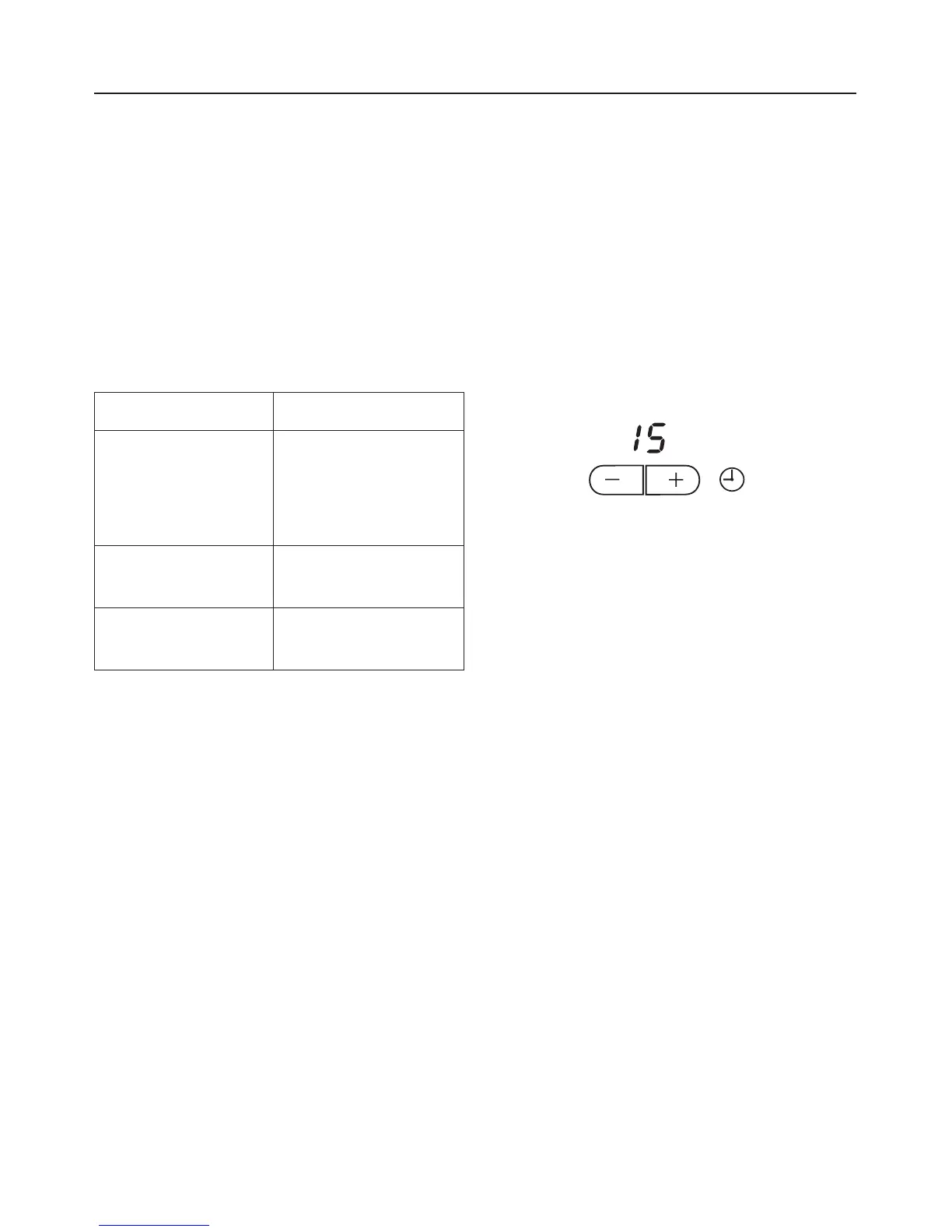
Touch the m timer control to turn the
timer on.
The display shows 00.
^
Press and hold the - or + sensor until
the desired time is displayed, e.g. 15
minutes.
The set time counts down in minutes in
the time display. The remaining time is
displayed and can be changed at any
time by pressing - or +.
After the set time has elapsed the
display shows 00 and an audible signal
is heard. After a few seconds the tone
will stop and the 00 will go out.
^
To end the signal touch the m timer
control.
Timer
19


 To Next Page