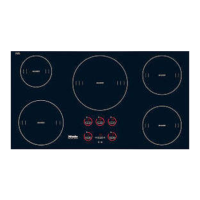
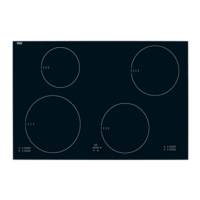
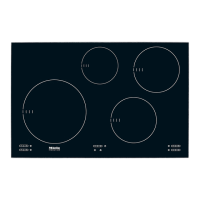
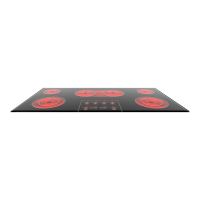
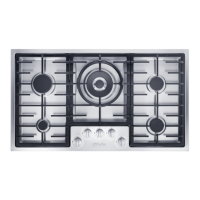
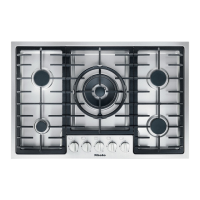
Burner controls and displays
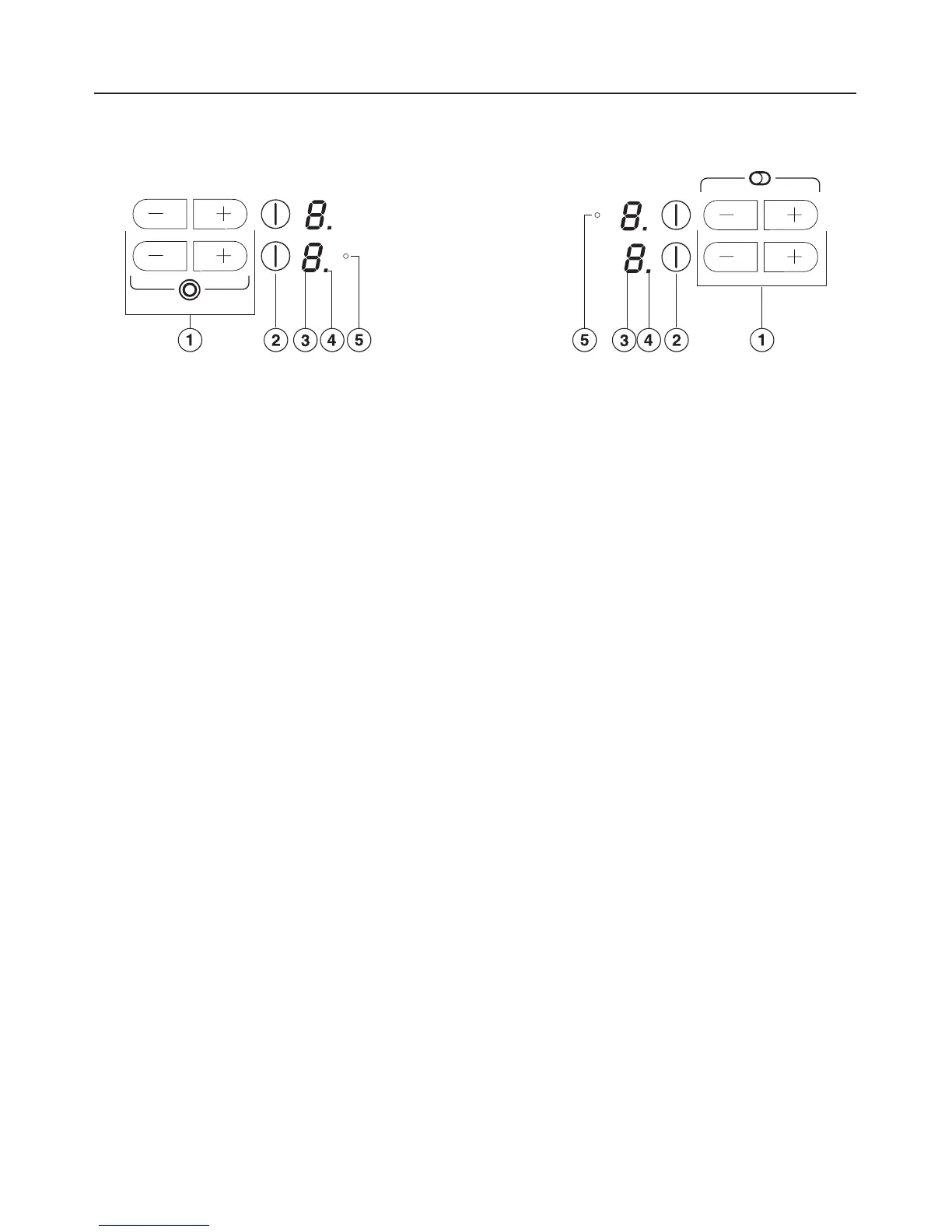
a Touch controls
To select the power level (touch individually).
To activate the second heating circle of the variable burner (touch simultaneously).
b Burner On/Off touch control
c Display:
- = Burner is ready for use
0 = Burner is turned on
1 to 9 = Power level
# = Residual heat
F = Fault (see "Safety cut-out feature")
A = Auto-heat with extended power level range
po etc. = Program (see "Cooktop Settings")
so etc. = Status (see "Cooktop Settings")
d Auto-heat indicator e.g. for front left burner
e Indicator shows activated variable or extended burner zone
Guide to the appliance
9


 To Next Page