Operating the tumble dryer
17
12:00
3
4
21
5 6
7
8
0
9
Clock display
OK
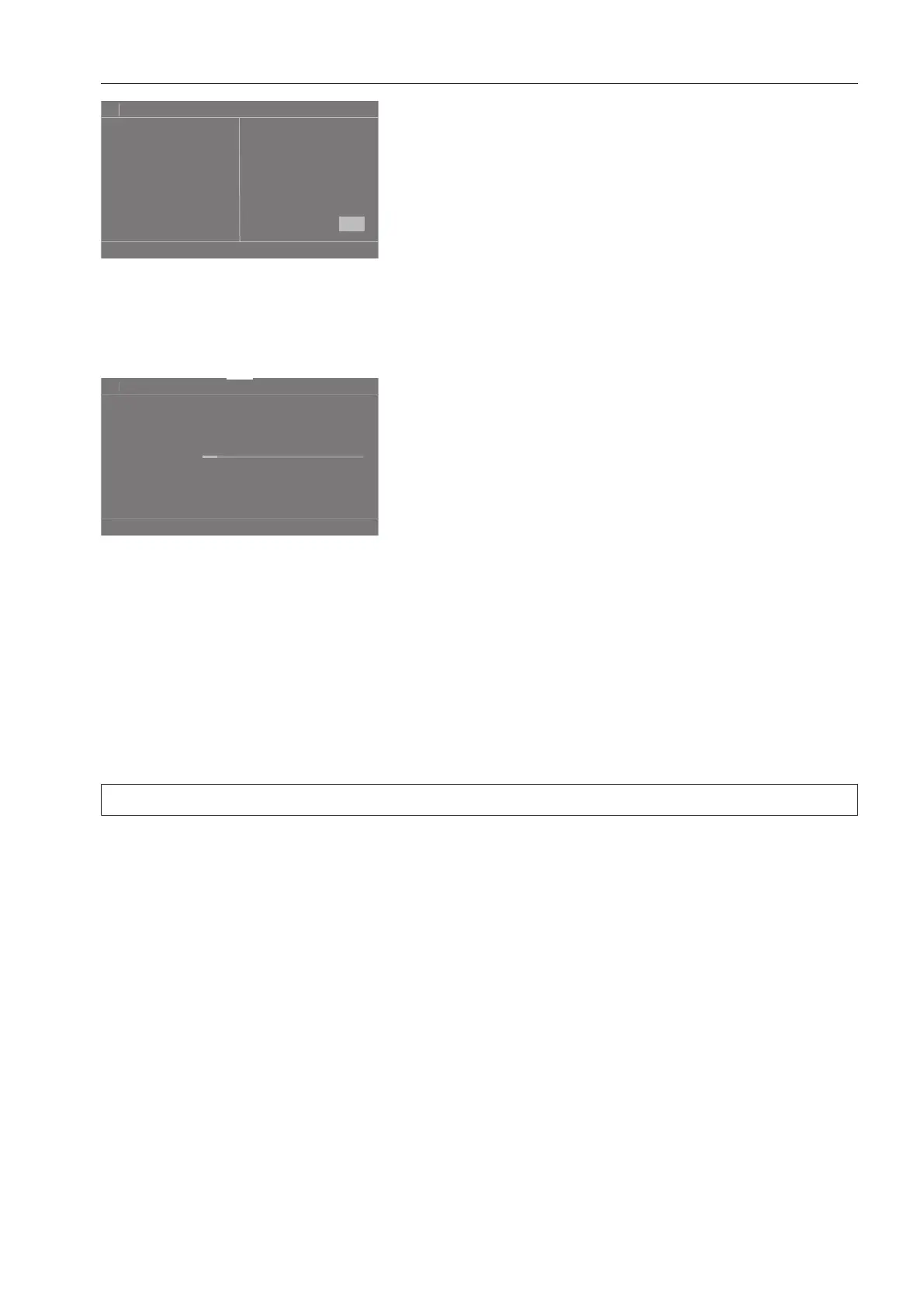
To enter the numerical value, touch the numbers on the right-hand side and then confirm
with OK.
Pull-down menu
The pull-down menu can be used to display information (e.g., about a drying program).
11:02
Time left
h
2:27
Status
Cottons
Drying
If an orange bar appears at the top of the screen in the middle of the display, you can open
the pull-down menu. Touch the bar and drag down with your finger.
To close the pull-down menu again, touch the orange bar and drag it upward with your fin-
ger.
Exiting the menu
Tap the sensor button to return to the previous screen.
Entries made before this which have not been confirmed withOK will not be saved.
Help display
With some menus, Help appears along the bottom line of the display.
If you need more information about the current menu, touch the Helpsensor button.
The additional information is shown in the display.
Touch the sensor button to return to the previous screen.




 To Next Page