Operation
61
System messages
After the cleaning machine is switched on or a programme sequence
is completed, a series of system messages may be shown on the
display. These indicate e.g. low fill levels in the containers or required
maintenance.
Changing the
filter
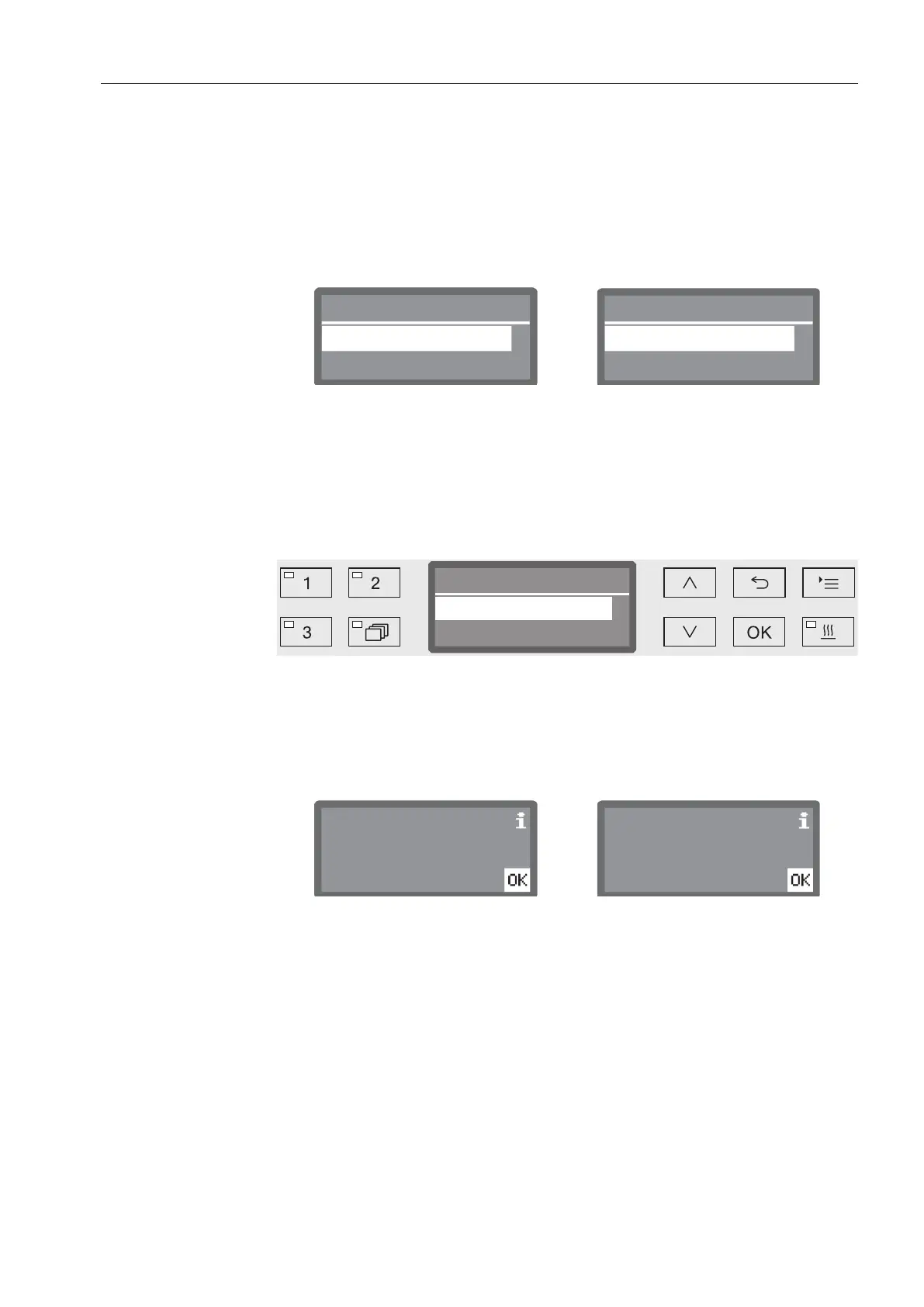
Several hours before reaching the maximum permitted operation
hours, you will be prompted to change the air filters.
Now
Later ( operating hrs.)
Now
Later ( operating hrs.)
Fit a new coarse filter? Fit a new HEPA filter?
Confirm the message with OK and change the filter according to
the instructions in the section “Maintenance”.
Cleaning the filter
combination
The filters in the wash cabinet must be checked daily and cleaned
regularly, see “Maintenance/Cleaning the filters in the wash cabinet”.
A counter in the controls can be activated to remind you of the
required cleaning at regular intervals.
Now
Clean filter comb.?
Later ( Programmes)
Follow the instructions in the “Maintenance” section for cleaning the
filters.
Low fill levels
When the fill level is low in one of the containers, for example for
process chemicals or the salt container, you are prompted to refill the
container.
Acknowledge the messages with OK and refill the relevant
containers. To do this, follow the instructions in the sections “Filling
process chemicals and dispensing” and “Water softener”.



 To Next Page