Programming
129
Useful tip: Press the "1-999" function button if all deletable
programmes are to be deleted. Programmes to which a basic
programme lock is assigned, cannot be deleted.
13 Handwashable woollens 30
14 Separate rinse
Delete
Programme
1-999
Cold
°C
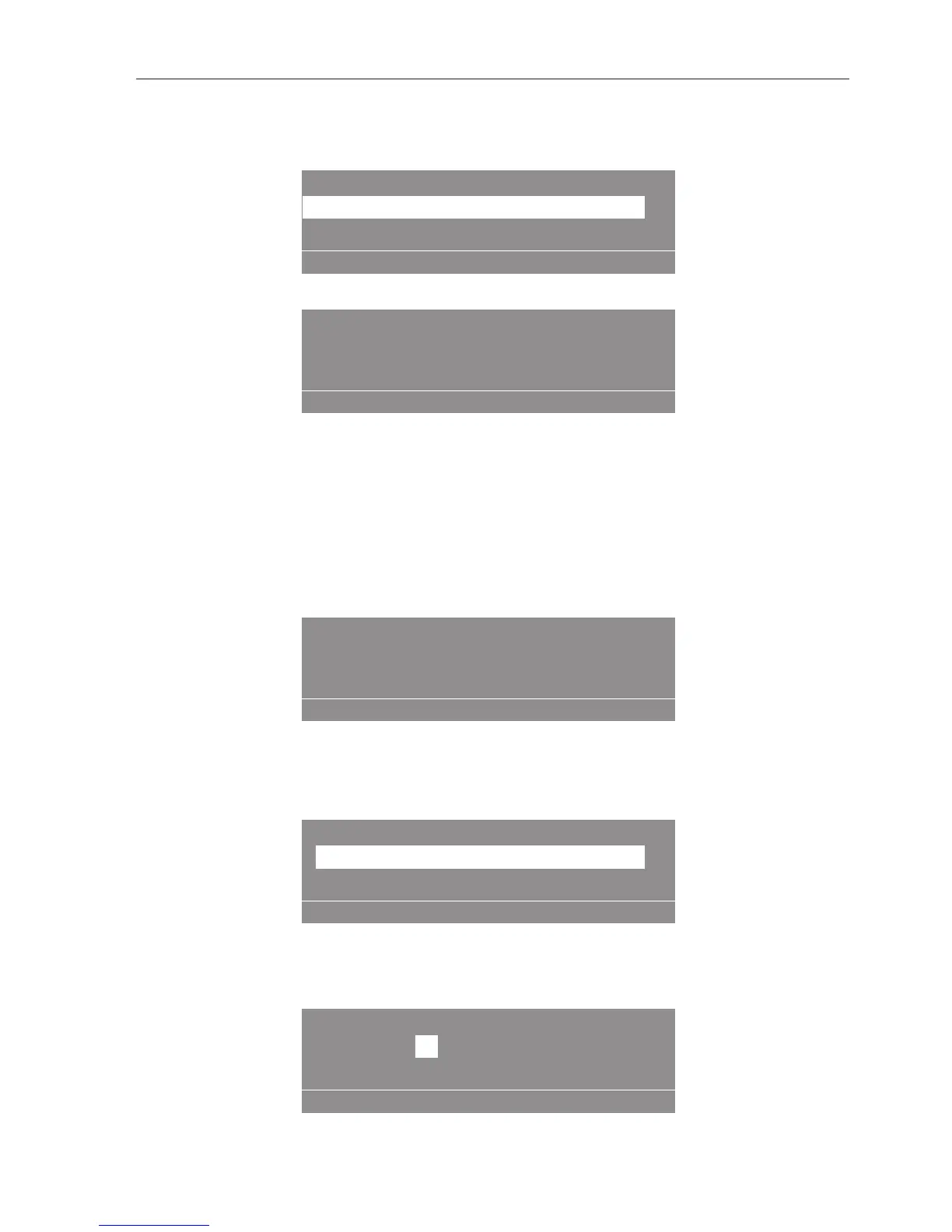
When "Save" is pressed, the security question appears.
Delete existing data?
Delete
Programme
Press the "Save" button.
The overwriting process is carried out and the screen returns to the
sub-menu.
Useful tip: When the button is pressed, or if after 30seconds no
button has been pressed, deletion is not carried out and the display
returns to the sub-menu.
If there are no programmes that can be deleted, the following
message appears in the display:
No programmes available to delete
Delete
Programme
Deleting an area
With this option an area of a programme can be deleted.
Select "Delete Area".
When this is selected, the display will show the following:
: 1 Cottons hygiene
: 1Area
Delete
Area
Programme
Pre-wash
Press the multifunction selector.
When the multifunction selector is pressed, the following appears in
the display:
1
Cottons hygiene
: 1Area
Delete
Area
Programme
Pre-wash
:
Select the programme number and confirm your selection.



 To Next Page