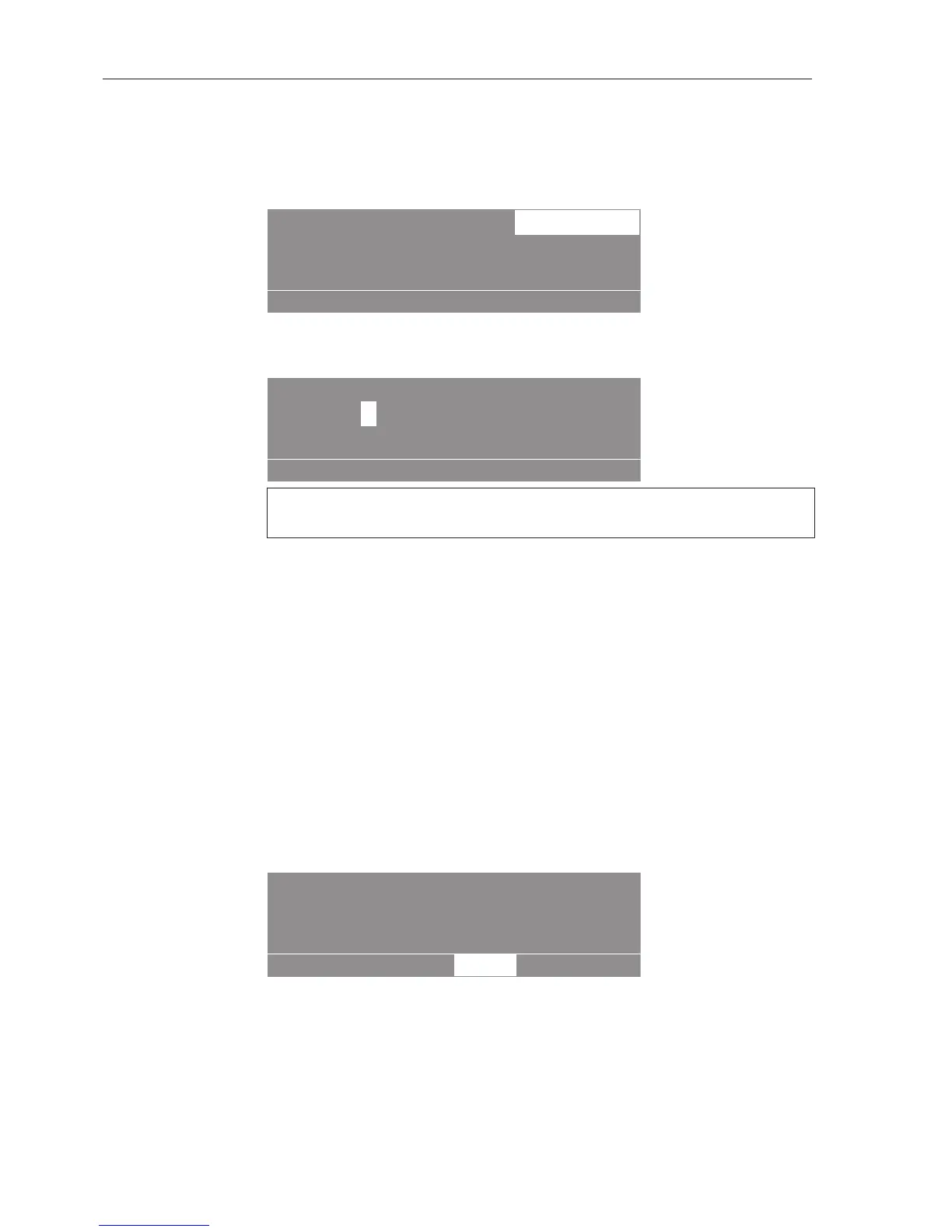
1 Cottons hygiene 18,0/18,0
After selection press the start button.
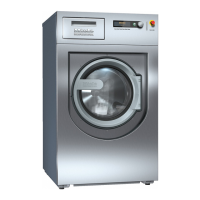
Start time:
16 : 10 Start date: 2.4.2015
kg
The current time and date always appear. The entry field for hours is
highlighted.
Press the multifunction selector to select the hour.
Set the hour by turning the multifunction selector. Press the
multifunction selector to confirm the value.
Press the multifunction selector to select the "Minutes" field.
Set the minutes by turning the multifunction selector. Press the
multifunction selector to confirm the value.
Press the multifunction selector to select the "Start day" field.
Set the day by turning the multifunction selector. Press the
multifunction selector to confirm the value.
Set the month and year in the same way.
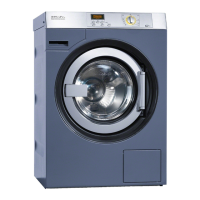
Press the "START" button to start the programme at the time set.
The display shows the current time and date and the start time.
Useful tip: The start time will be deleted when the drum door is
opened. If the drum door is opened again, the "START" button must
be pressed again.



 To Next Page